Karaoke and highlighting
The full-screen view, and the highlight colours every surface shares.
Karaoke is the Lyrics Window with everything but the words taken away: the current line very large, the next one under it, and the transport at the bottom.
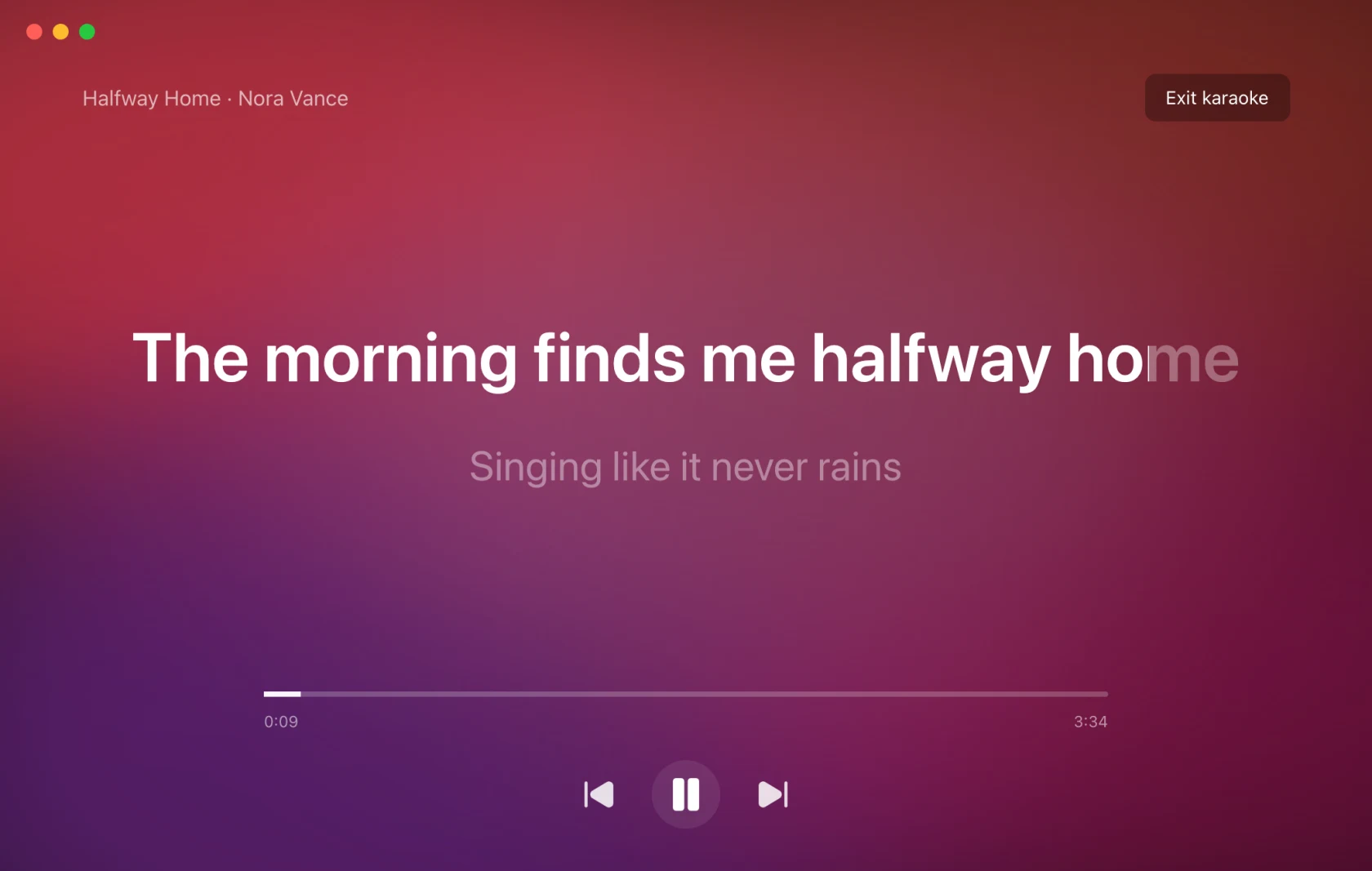
Open it with the microphone button beside the player's More, or from More › Karaoke fullscreen. Exit karaoke or Escape returns to the normal window.
Clicking still seeks, the transport still works, and translation still shows if you had it on. It is the same window, not a separate mode with its own rules.
Karaoke requires Pro or an active trial. If access expires while Karaoke is open, it returns to the standard Lyrics Window. Static highlighting in the standard window stays free.
Word by word
When lyrics carry per-word timestamps, the words light up as they are sung. When they only carry line timings, the fill is estimated across the line between one timestamp and the next (an effect rather than discovered timing), which is why the Lyric Highlight page says word timings available only when they really are.
Pausing freezes the fill. Seeking, an offset change or a speed change recompute it. Reduce Motion replaces the smooth sweep with a stepped highlight.
Lyric Highlight
The colours are not per surface. Settings › Lyric Highlight sets them once, for the Lyrics Window, karaoke, every overlay, the lock screen and the share cards.
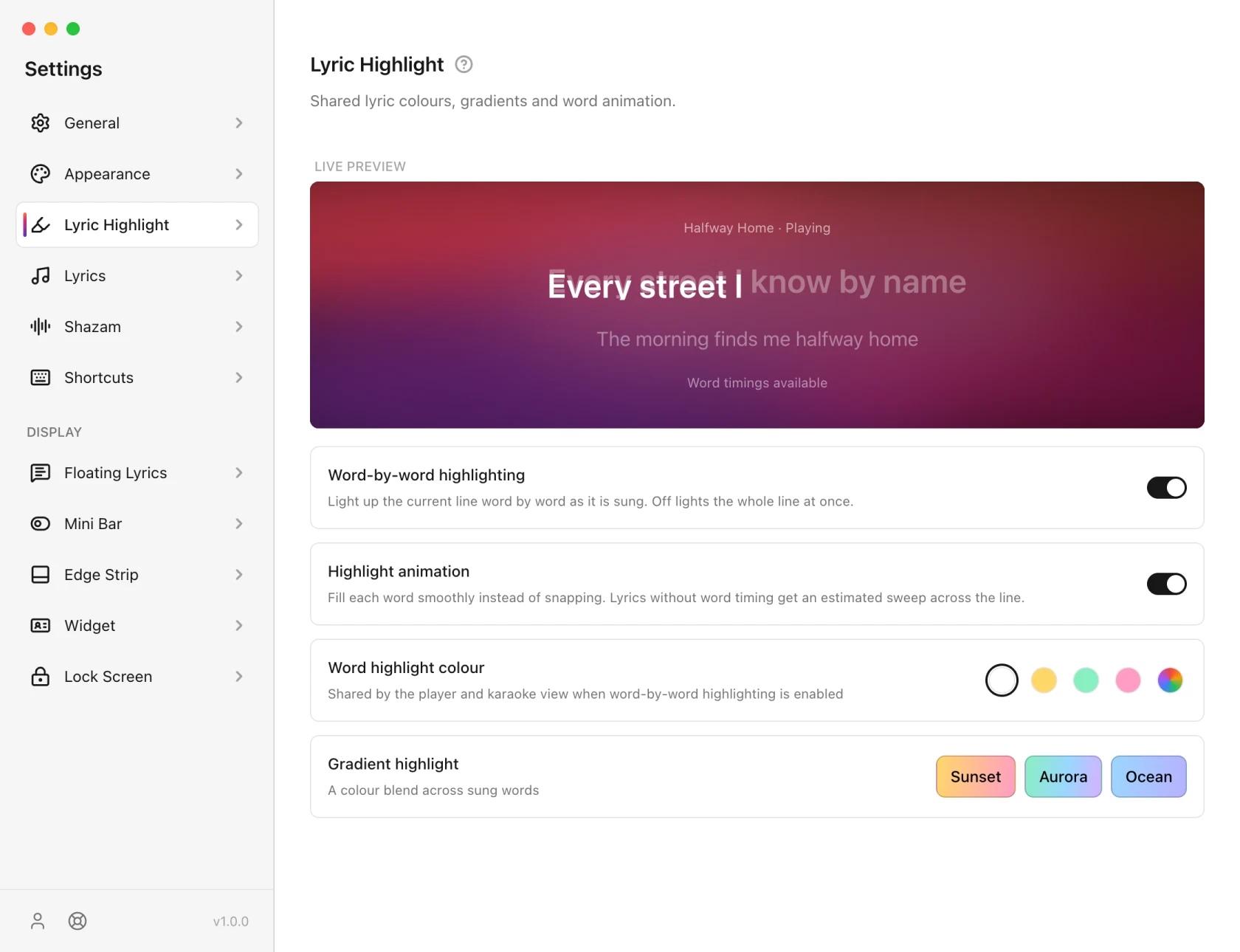
- Word-by-word highlighting: on by default. Turn it off and the whole line lights at once.
- Highlight animation (Pro): the smooth fill. Off, or on a free account, the line steps rather than sweeps. Static colours stay.
- Word highlight colour: White, Gold, Mint, Rose, or any colour you pick. White is the default.
- Gradient highlight: Sunset, Aurora, Ocean, Fire, Candy, Lime or Rainbow instead of a solid colour.
The colour or gradient in use is marked with a check.
Colour and gradient are one choice, not two: picking a solid colour turns the gradient off, and picking a gradient leaves your colour saved for when you switch back.
On Android
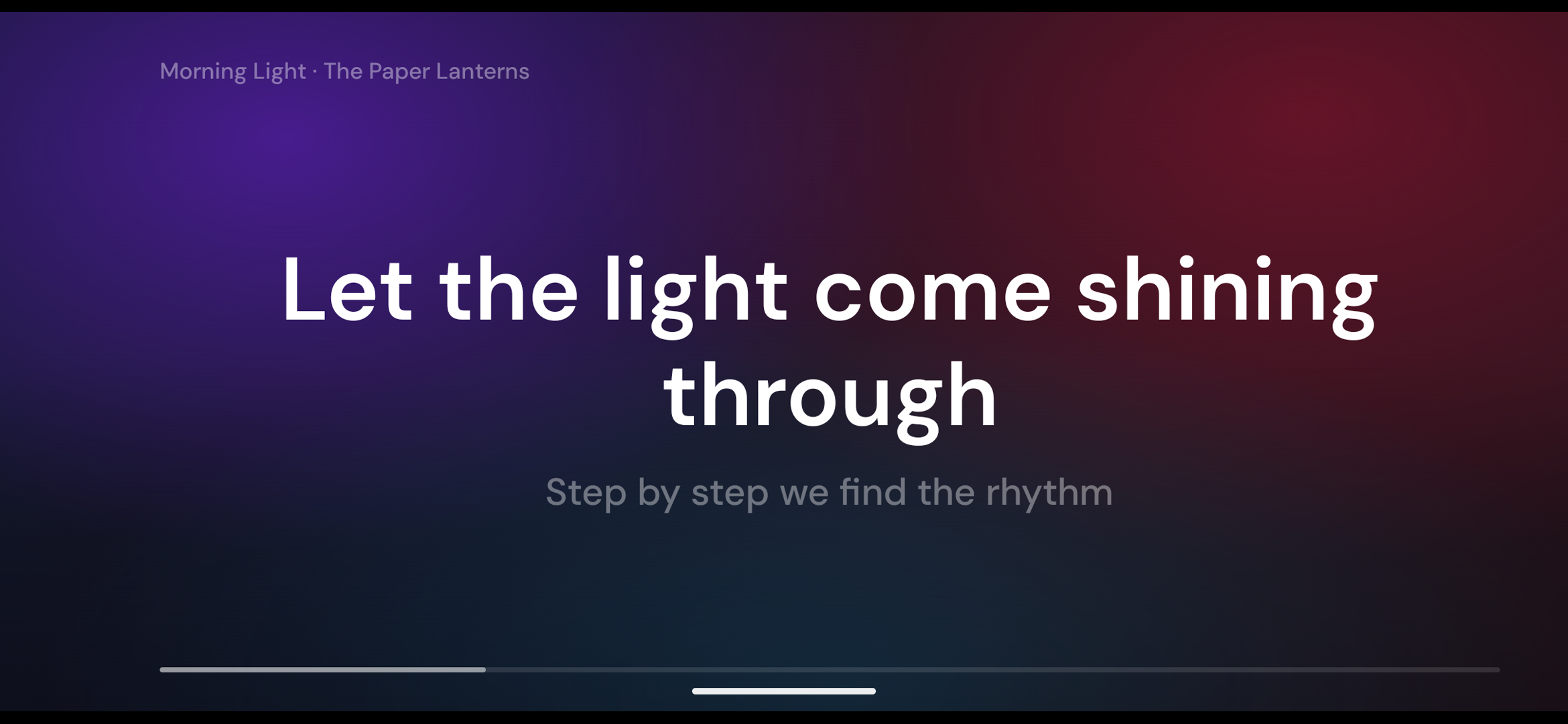
Karaoke on your phone turns it sideways and fills the screen with the current line, word by word, on the same background as Now Playing. Prop the phone up and sing along from across the room. Open it from Now Playing; Karaoke is Pro.
Lyric Highlight works the same way on the phone: word-by-word highlighting, the highlight animation (Pro) and a colour or gradient, in Settings › Lyric Highlight.