Identify Song
Find what is playing in the room, not on this computer, and put lyrics to it.
Every other part of 9xLyrics reads what your computer is playing. Identify Song listens to the room instead: a speaker, a car, a café, the radio, a film. It recognises the track and then shows its lyrics like any other song.
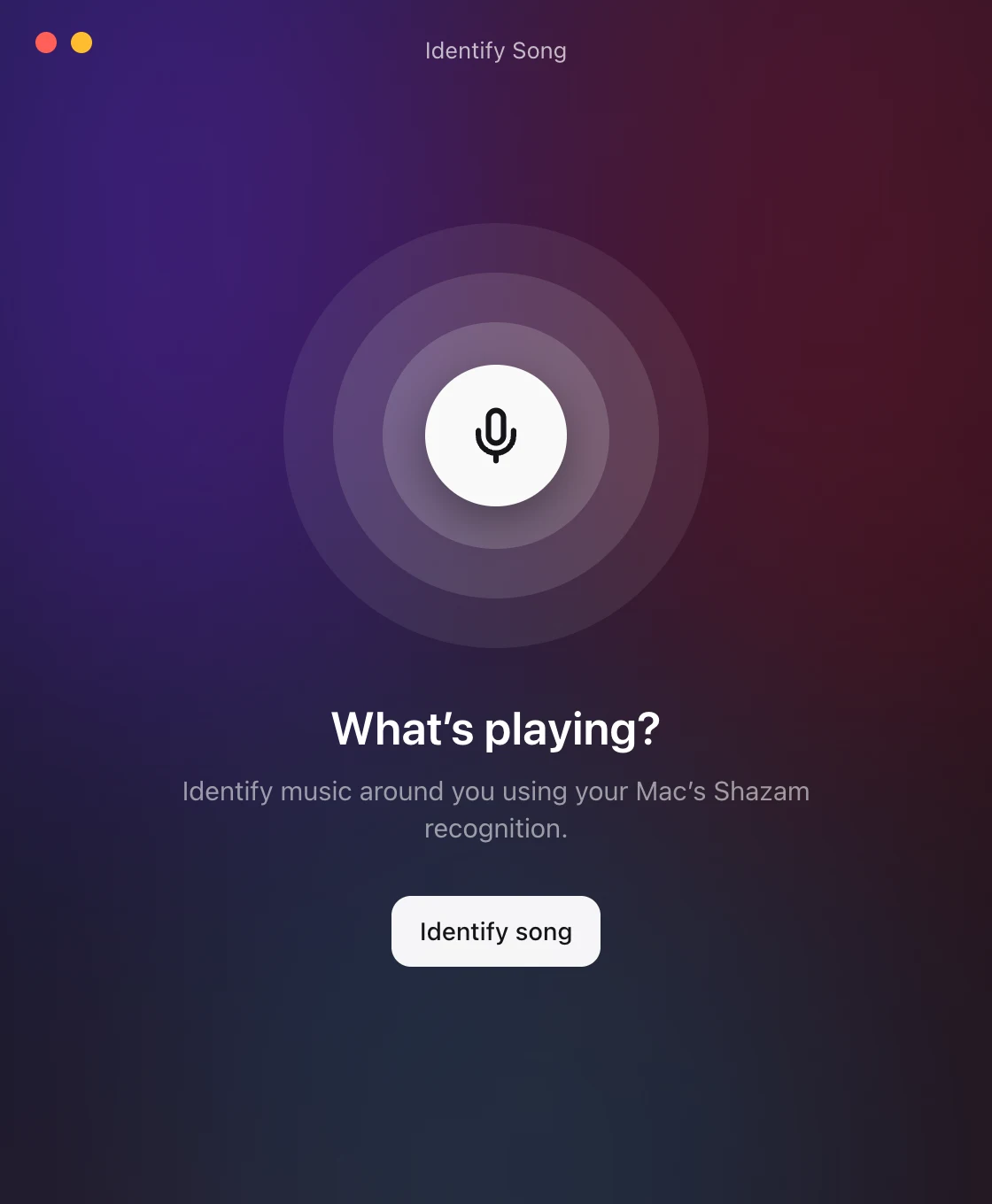
Start it from the tray's Identify song…, the Shazam button in the Lyrics Window, Preferences › Playback, or a shortcut you assign.
Identifying music requires Pro or an active trial. Free finds lyrics from what your music player reports.
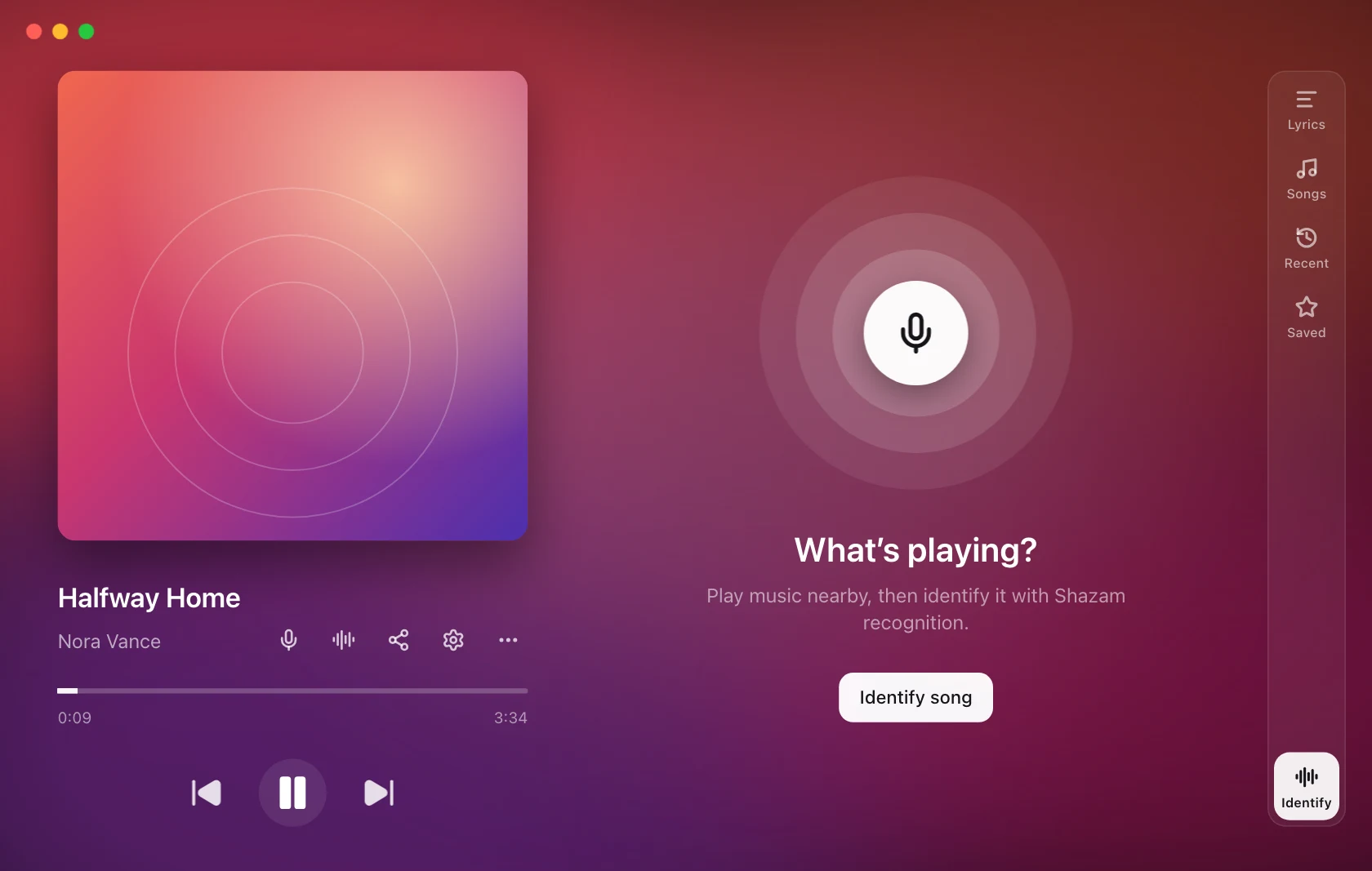
You can also choose Identify at the bottom of the Lyrics Window's right-hand rail to listen and review the result in the same window. Show lyrics switches to the recognised song; Lyrics in the rail returns to the lyrics view.
It listens where it stands
No window opens. 9xLyrics listens, and what it finds starts playing in your overlays: the lyrics simply appear, the way they do for a song on this computer. The tray row reads Listening… while it runs, and stops it if you press it again.
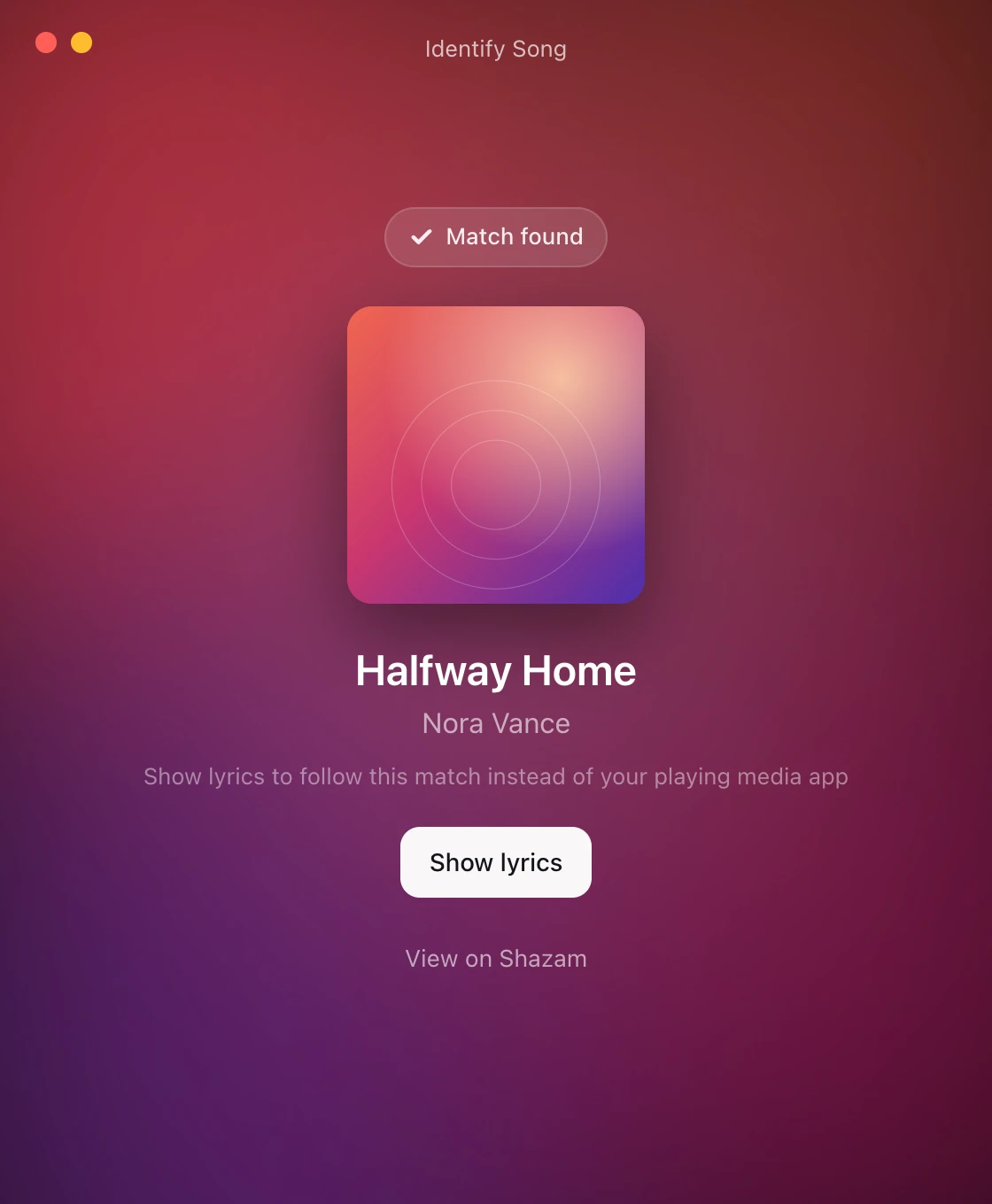
A window appears only when something needs you: a Shortcut to add on macOS, a microphone that will not record, or nothing recognisable in the time allowed. When a native player is active, the result stays available with Show lyrics. Choosing it explicitly follows the recognised song instead; the next native track restores normal detection.
Nothing runs in the background and nothing is recorded between attempts. The microphone is live only while a recognition is running, and stops the moment there is a match, an error, a Cancel, or the built-in deadline.
Listen as soon as the window opens (Preferences › Playback, off by default) applies to the window itself, for the times you open it by hand.
When it finds something
A visible result offers Show lyrics, even with automatic listening off. It restores dismissed, enabled overlays; if none are enabled, it enables Floating Lyrics. The result window closes only after the action succeeds. Closing the result without choosing it does not replace the current song.
The song starts playing in your overlays, and in the Lyrics Window if you have it open. Nothing opens over what you were doing; the Lyrics Window is yours to open when you want it.
In the Lyrics Window, that song carries a Shazam button and two rows in its More menu:
- Re-sync with Shazam listens again and corrects the timing in place, worth it if the lyrics have drifted, and it picks up the next song if the room has moved on.
- View on Shazam opens the track's Shazam page.
The transport controls are disabled for a recognised song: nothing is playing on this computer, so there is nothing to pause or seek.
Timing is estimated from the recognition and may drift. Use Listen again to re-sync. Playback and seeking are disabled because the app cannot control the external speaker.
Every match is kept
Every song Identify Song names is listed in Library › Identified with View on Shazam, even when you kept the lyrics on your music player instead. Open it later to read its lyrics again. The Library is free and stays on this computer.
Keeping up with the room
Keep listening while lyrics follow by ear (Preferences › Playback, off by default) schedules listening near the end of the recognised song, using its duration or synced lyrics when available. Failed matches receive a limited series of retries before automatic attempts stop. It runs only while lyrics are following music by ear: never over a music player, and never while the Identify Song window is open, where you are already doing it by hand.
A recognised song expires using the available duration, with a bounded fallback when no reliable length is known. Recognition does not continuously monitor whether the external speaker has stopped.
macOS asks you to set something up once
macOS recognition goes through Shortcuts, using Apple's own Shazam integration. The first time, the window shows Set up recognition:
- Add shortcut installs
9xLyrics Identify Song. - Answer the macOS permission prompts.
- Check setup confirms it.
It is a one-time step. Windows and Linux have nothing to install: recognition is built in.
On macOS, cancelling stops 9xLyrics listening but is not proven to stop macOS's own recognition service. If Shortcuts is still listening after a cancel, stop it there.
When it fails
This is when the window appears. It says what went wrong (the microphone is off or busy, there is no microphone, no match was found, Shazam is rate limiting, or there is no connection), and Try again retries; on macOS, Open Shortcuts is offered as well. The automatic re-sync is the exception: it runs unasked, so it fails quietly rather than putting a window in front of you.
Recognition needs an internet connection. If it is temporarily unavailable, try again later.
On Android
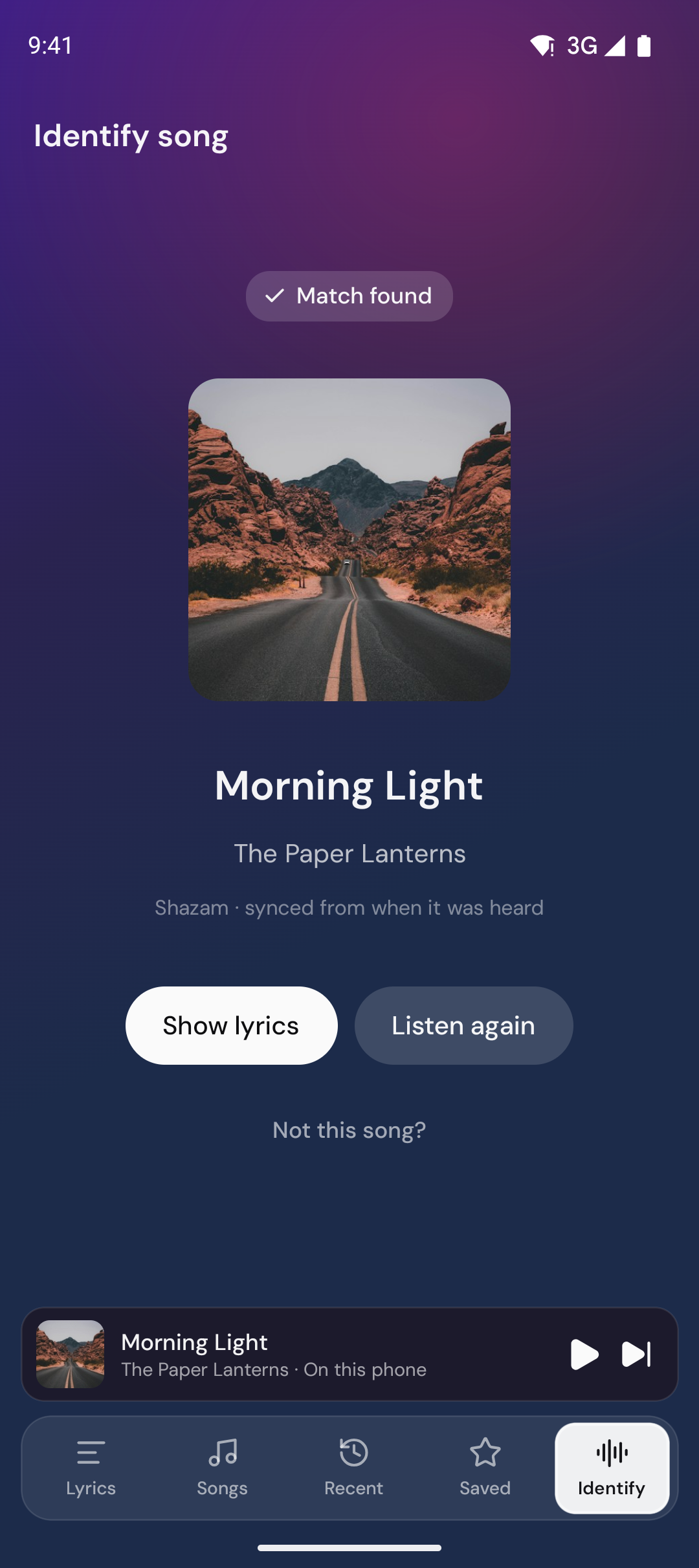
Hear a song in a cafe, a car or a shop? Open the Identify tab on your phone and tap Identify song: 9xLyrics names the track and the lyrics follow it. It listens through the microphone only while it is recognising, and sends Shazam a sound fingerprint, never the audio. Identify Song is Pro.
In Settings › Recognition:
- Listen as soon as Identify opens, so one tap on the tab is enough.
- Keep listening after a song is identified: for songs Shazam found, it listens again now and then, so the lyrics stay in time and the next song is picked up.
- Identify from your home screen adds an Identify song shortcut to your home screen.
Every match is kept in the Library on your phone.