Floating Lyrics
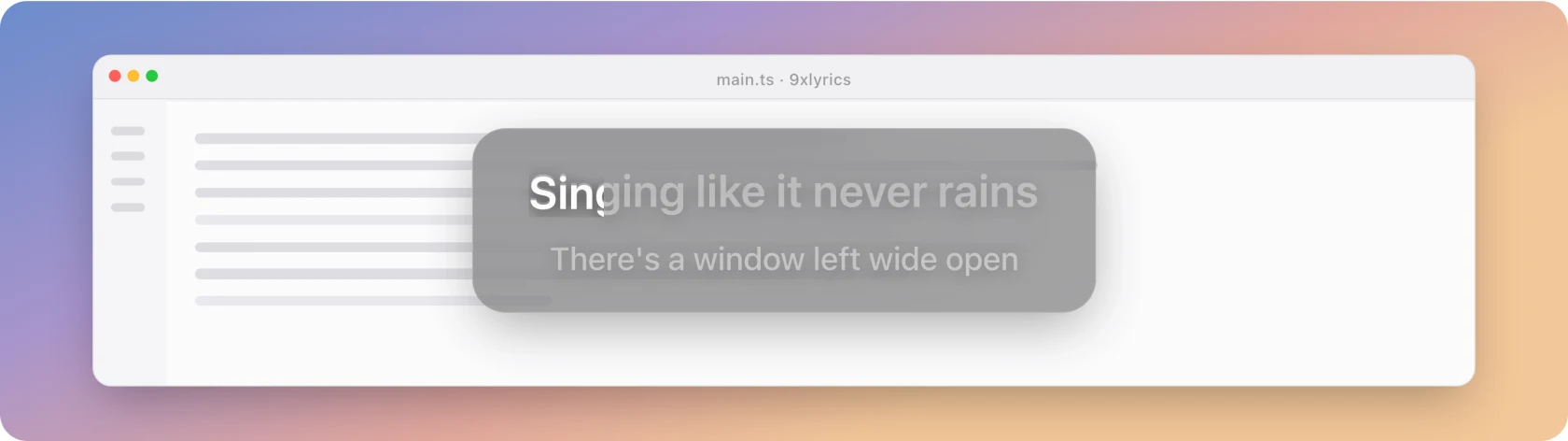
The current line on a panel above every window, that clicks fall straight through.
The default surface, and the one most people keep. A panel showing the line being sung, on top of every window, that you can read without stopping what you are doing.
Toggle it with Cmd/Ctrl + Alt + L, from the tray, or in Settings › Floating Lyrics. (If you set 9xLyrics up before version 1.0.8, your existing shortcut, Cmd/Ctrl + Shift + L, is kept. See Shortcuts.)
Floating Lyrics requires Pro or an active trial. The standard Lyrics Window remains free.
Under the pointer
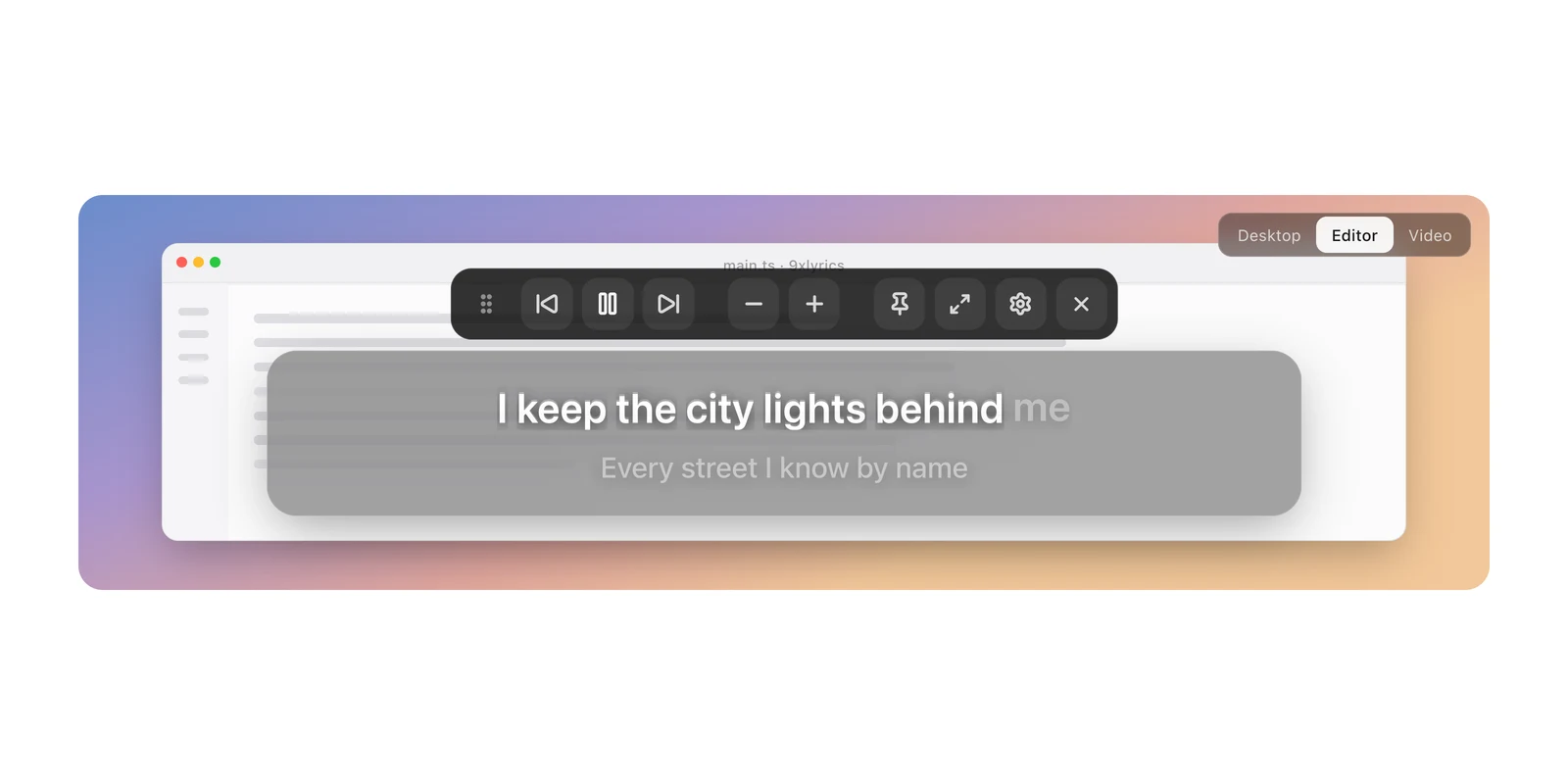
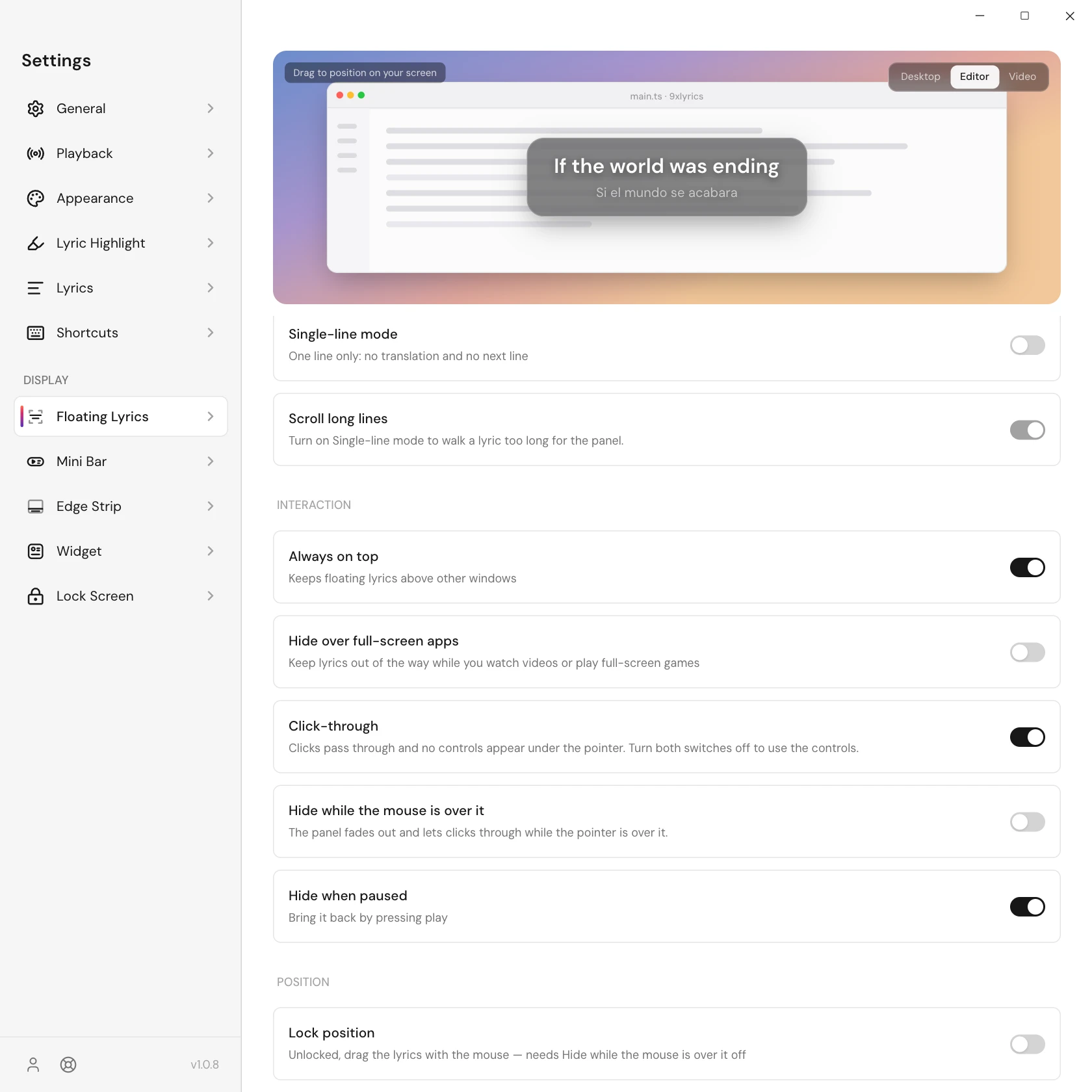
Settings › Floating Lyrics › Interaction has two switches that decide what happens when the pointer is over the panel. They work the same way on every overlay:
| Settings | Under the pointer |
|---|---|
| Both off | The full panel: toolbar and drag handle. The panel takes clicks. |
| Click-through on | The panel stays visible and clicks pass through to the window behind. No toolbar or drag handle. |
| Hide while the mouse is over it on | The panel fades out and lets every click through, whatever Click-through says. |
Click-through is on by default, so out of the box the panel never gets in the way. Turn it off to use the toolbar.
No lyrics? Search
When a song has no lyrics, the panel shows a Search button, or Retry if the lookup failed. The button can be pressed even with Click-through on, and opens Search lyrics.
Moving it
With both switches off, hover to reveal the drag handle. Its four-arrow cursor marks where to drag; you can also drag the panel background. Lock position hides the handle and prevents movement.
Reset position returns the overlay to its default position.
Always on top
Always on top keeps the panel above every other window, so the line is there whatever you open. It is on by default. Turn it off and the panel sits with your other windows instead, so the app you are using can cover it.
Hide over full-screen apps
Watching a film or playing a full-screen game? Turn on Hide over full-screen apps and Floating Lyrics steps aside while a full-screen app is in front, then comes back when you leave it. It is off by default, so out of the box the line stays visible over full-screen windows too. It works on its own: Always on top and your other surfaces are not changed. On Linux, Wayland sessions do not report full-screen apps, and the setting says so there.
Every display, every workspace
- Show on every display puts a panel on each screen, each remembering its own position. Off by default; otherwise the panel follows Settings › General › Show on display, which remembers the exact monitor you picked, and puts the panel back there when you reconnect it.
- Show on every workspace keeps the panel with you when you switch virtual desktops. On by default. With Always on top on, it also stays over full-screen windows on macOS, unless Hide over full-screen apps is on.
Closing and restoring
The toolbar's close button hides Floating Lyrics for this app session. Tray › Show overlays restores it if it is enabled in Settings. A full restart clears this temporary dismissal; the overlay appears when a track is detected, subject to its pause and hover settings. Turning it off in Settings keeps it off after restart.
One line or two
Single-line mode shows only the line playing now. A line too long for the panel walks across once and stops, rather than being cut off mid-word. Scroll long lines controls that, and it pauses with playback and respects Reduced Motion.
With single-line off, the next line shows underneath, dimmer.
Appearance
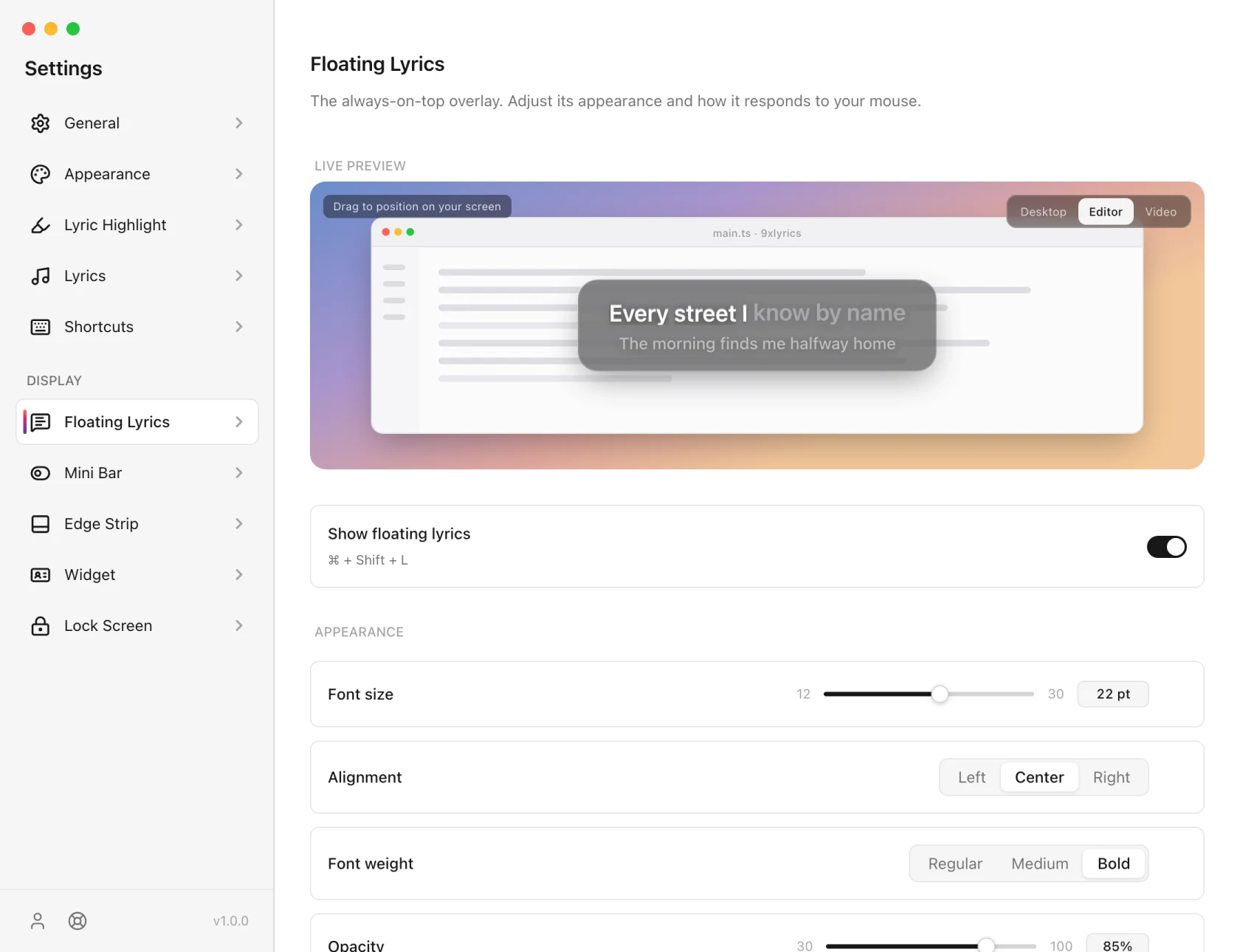
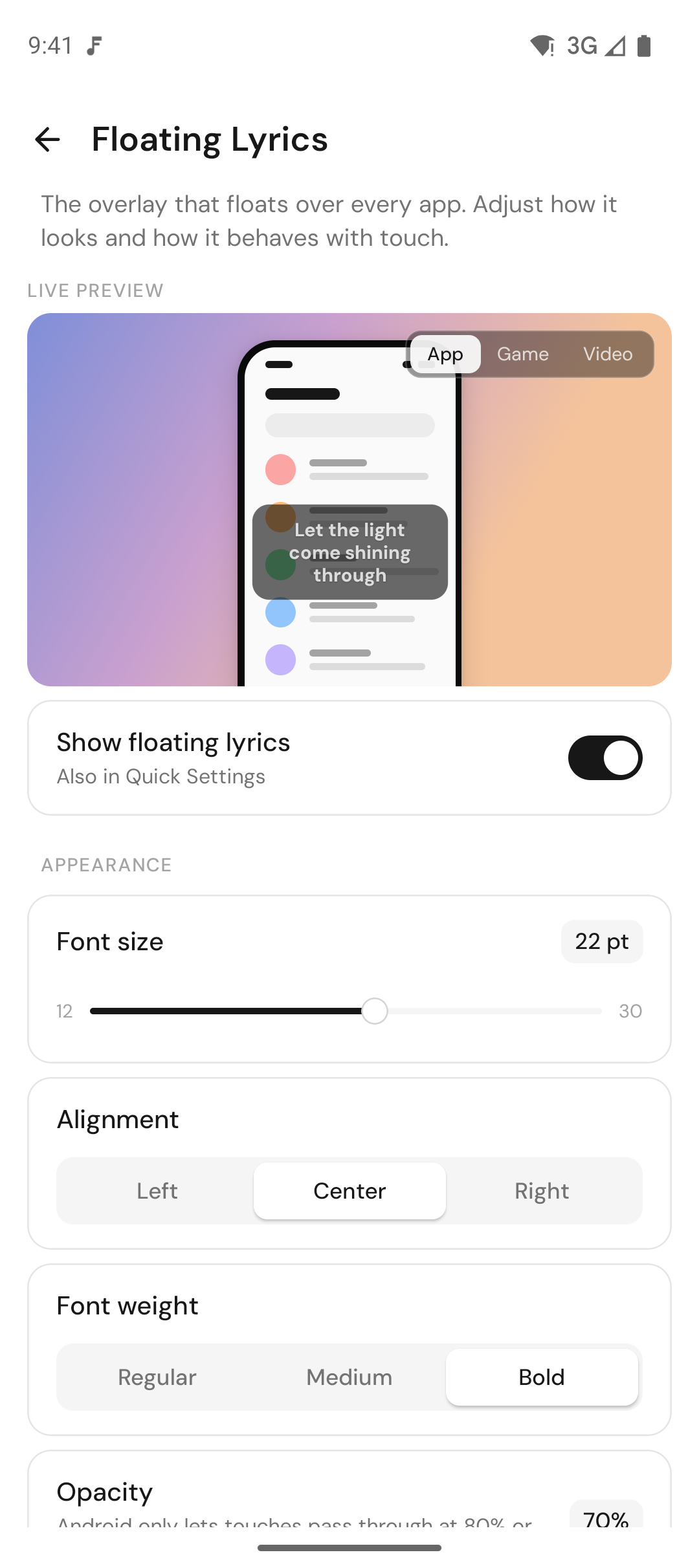
Font size, weight, alignment and opacity, a blurred backdrop, and a tint taken from the album art. The current line's colours come from Lyric Highlight, which is shared with every other surface, so you set them once.
On Android
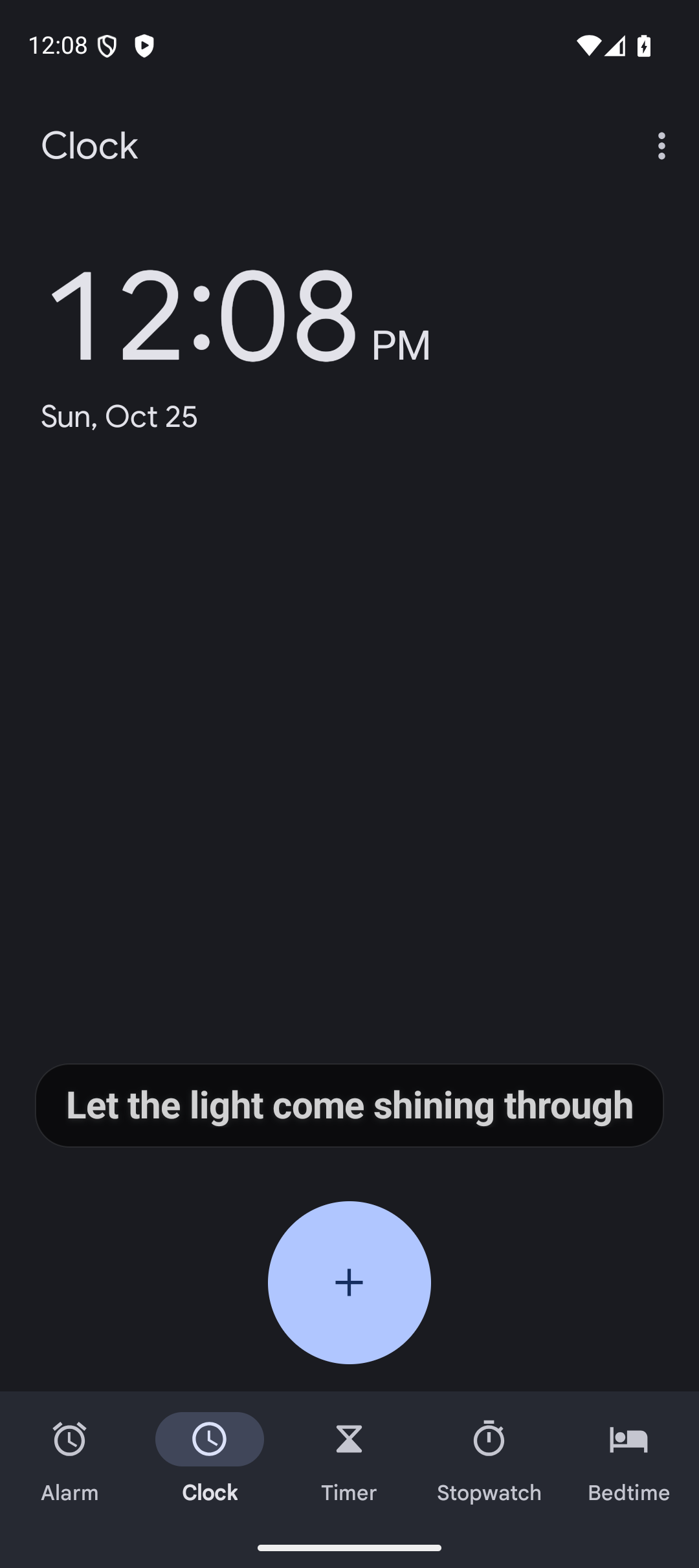
Floating Lyrics on your phone puts the current line over any app: read along in a game, a chat or the browser while your music plays. It is Pro, like on the computer, and needs Show over other apps, which the setup guide asks for.
- Drag the card anywhere, then Lock position so it stays put. Reset position puts it back above the navigation bar.
- Let touches through is on by default: taps go to the app underneath. While it is on, the card cannot be dragged or tapped, and Android allows it only at 80% opacity or less.
- Hide during full-screen video (on by default) steps aside while another app is full screen, on phones that report it.
- Hide when paused clears the screen when the music stops.
- Turn the overlays on and off from anywhere with the 9xLyrics Quick Settings tile: tap it to show or hide them, long-press it to open the app.
Appearance matches the computer: font size, weight and alignment, maximum width, opacity, colours, a blurred backdrop (Android 12 and later), tint from album art, single-line mode, translation and scrolling for long lines.