
9xlyrics
Synced lyrics for whatever you are playing, on top of whatever you are doing.
9xLyrics follows whatever is playing on your computer (Spotify, Apple Music, a browser tab, anything that reports what it is playing), finds the words, and shows them in time, over the top of whatever else is on screen.
Keep using your music app, or open Songs to play audio files on this computer with the built-in player. Local music playback, the Lyrics Window, listening history and saved lines are free. See Songs and Library.
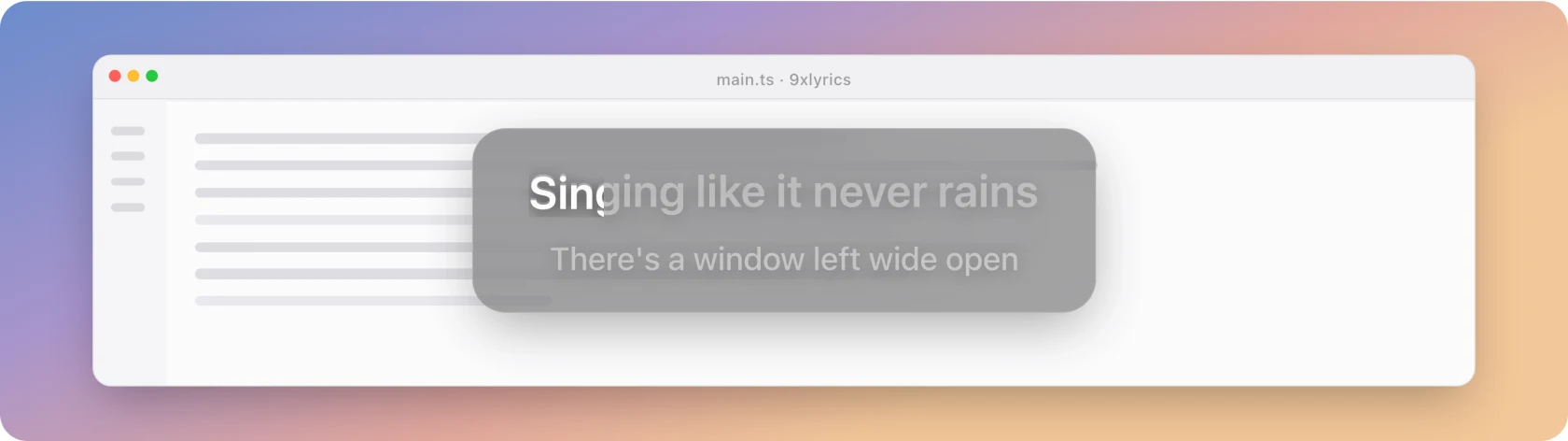
The five surfaces
Pick whichever fits the screen you actually have:
- Floating Lyrics: the current line on a panel you drag where you like. Clicks fall through it to the window behind.
- The Lyrics Window: the whole song, with click-to-seek to jump to any line, and a Library of songs you played and lines you starred.
- The Mini Bar: a pill docked to the top or bottom edge. Hover it for controls.
- The Edge Strip: one thin line along a screen edge. The lightest way to keep lyrics visible.
- The Widget: a small player card parked on the desktop.
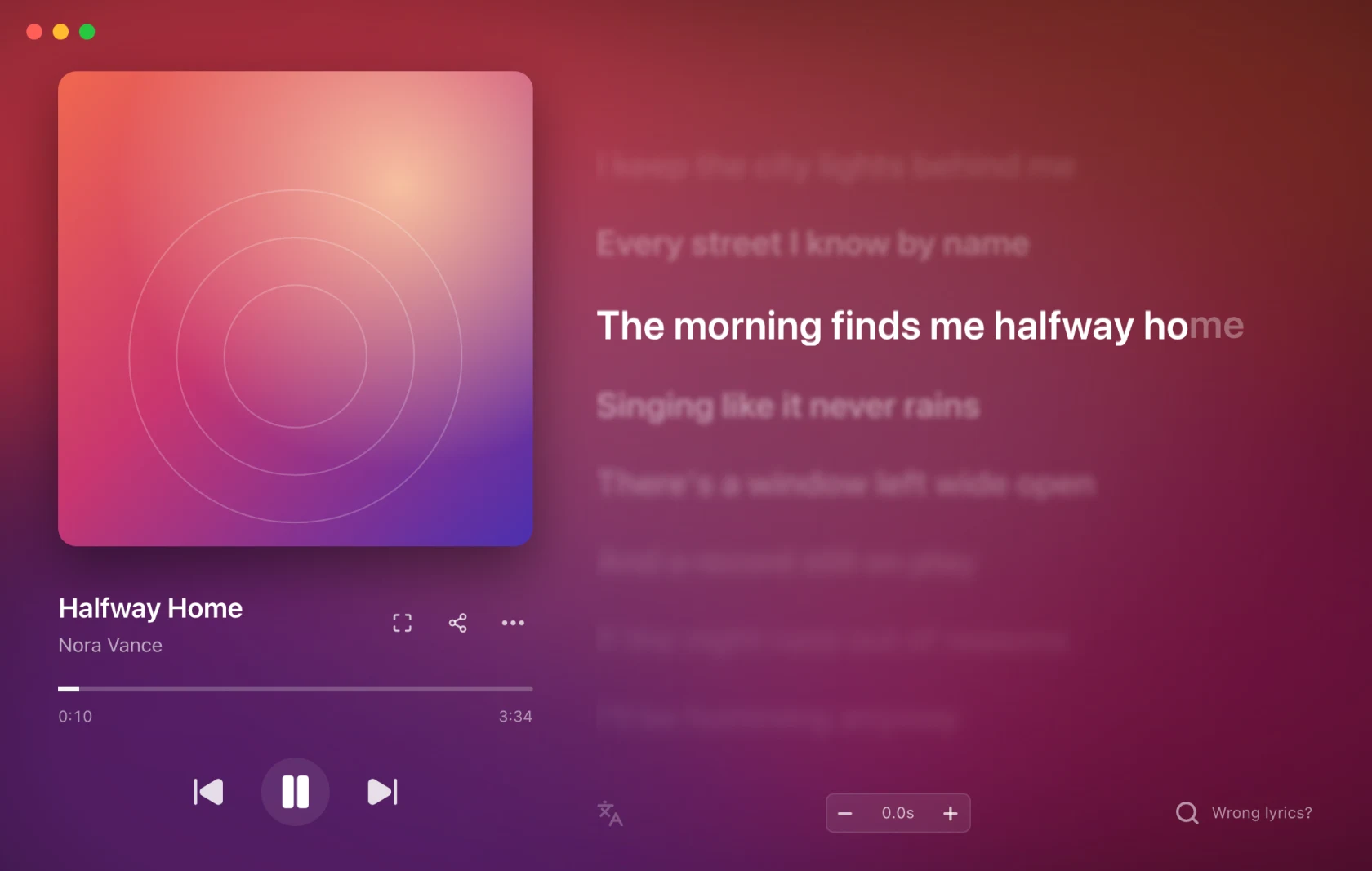
The standard Lyrics Window and the Library are free. Pro unlocks every overlay, together if you want. See Free and Pro.
Where the words come from
Automatically, from a set of lyric sources, matched to the song by its title,
artist and length. When the match is wrong you can
search for the right one, paste
your own, or use a YouTube video's captions, then fix the words and timing in the
lyrics editor (all Pro). What you choose is used for that song from then on, in
any player.
Your own .lrc files work too.
Timing is adjustable: a global delay for a system that runs a little ahead, and a per-song offset for a recording that does not match the lyrics everyone has.
Getting started
- Install it
- First run: create your account number and pick a surface
- Play something
If the words never appear, Troubleshooting starts with the two reasons that account for most of it.
On your phone
9xLyrics is on Android too. It follows Spotify, YouTube Music or any player on your phone, plays the songs saved on it, and floats the current line over any app. The lyric also rides along in the notification, on the lock screen and in a home-screen widget. Use the same UID on your phone and your computer.
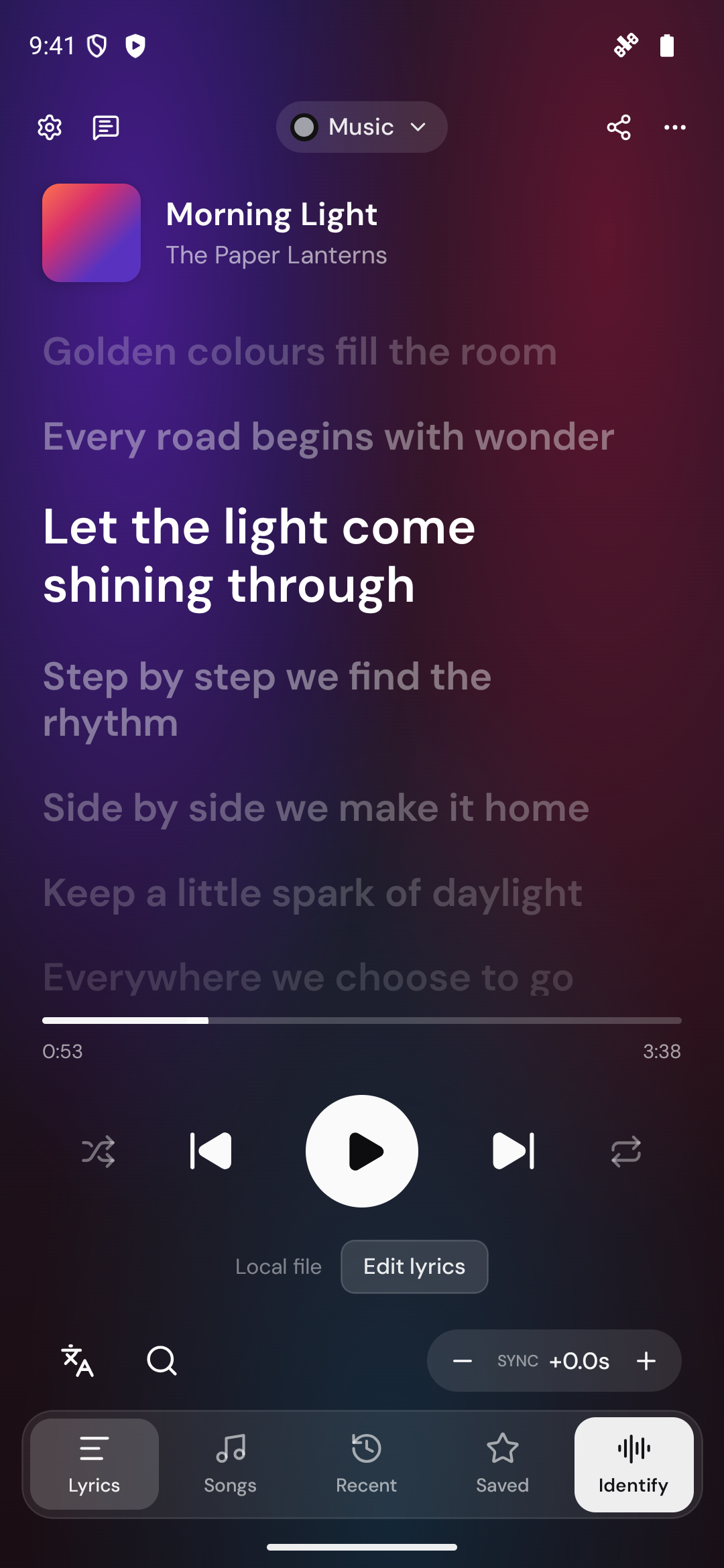
Start with 9xLyrics on Android.