
Free and Pro
What a free account can do, what the 3-day trial covers, and what Pro adds.
Free includes the standard Lyrics Window, automatic lyrics and the Library. Pro adds all desktop overlays, Karaoke, recognition and advanced tools. The 3-day in-app trial includes every Pro feature.
The 3-day trial
Creating a UID inside the app starts a 3-day trial. Creating an account on the website does not start the desktop trial. See Your UID and devices.
Free
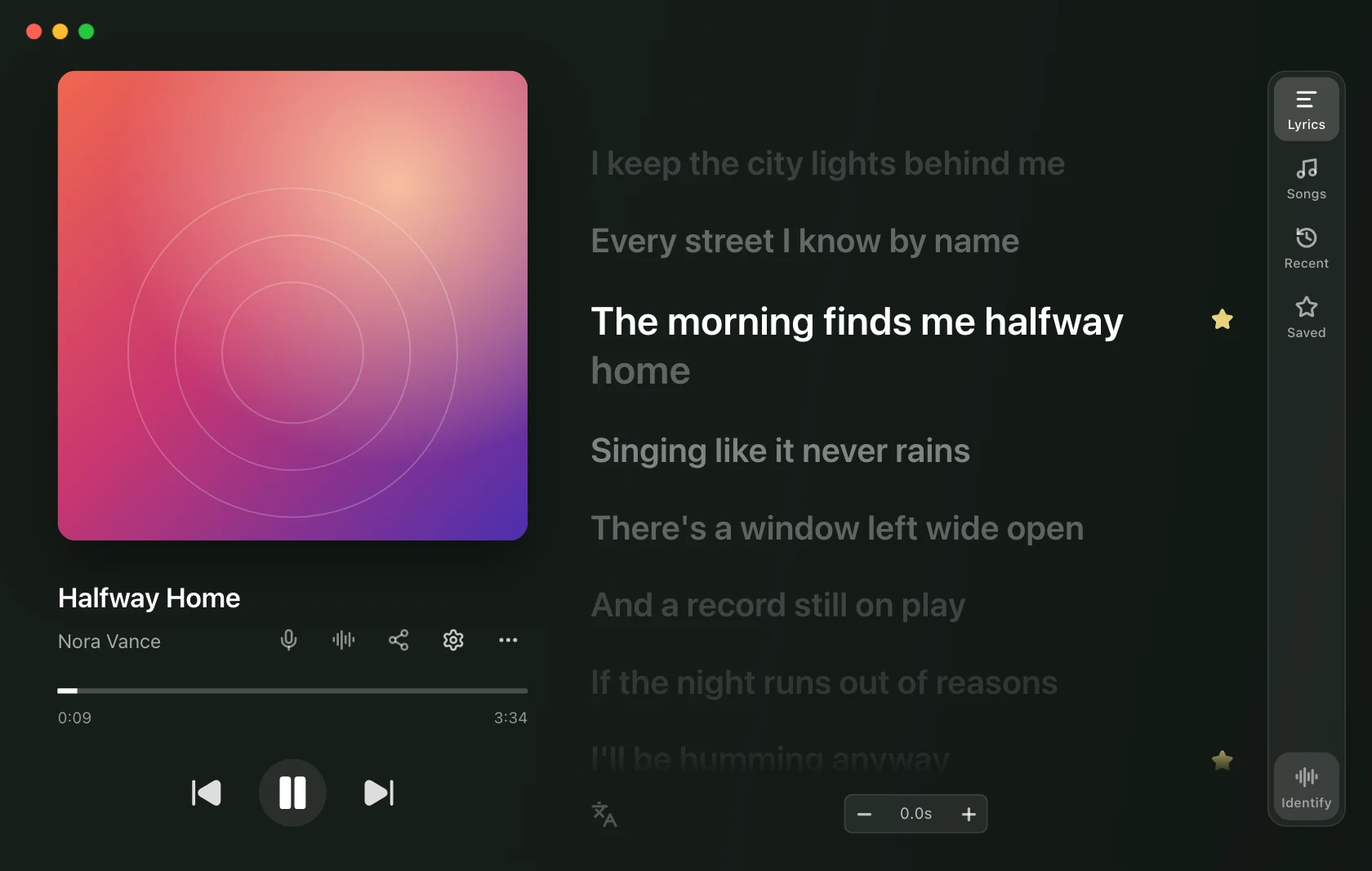
- The standard Lyrics Window with automatic lyrics, playback controls and click-to-seek where the music player supports them.
- The Library: songs you played, songs you identified, and lines you starred, with Save the current line from the menu or a shortcut.
- Local music playback: browse songs, albums, artists and folders; play, shuffle, repeat and manage Up next.
- Local
.lrcfiles, checked before online lyric sources. Built-in playback also reads lyrics embedded in supported audio files. - Timing controls: global delay and remembered per-song offsets.
- Basic appearance: theme, accent, interface size, solid backgrounds and static highlighting.
- Player selection, shortcut configuration, the tray and launch at login. Shortcuts to Pro actions still require Pro.
Pro
- All desktop overlays: Floating Lyrics, Mini Bar, Edge Strip and Widget, alone or together.
- Karaoke: the dedicated full-screen view.
- Follow music player: open with a supported native player and quit with it when automatically launched.
- Choose, fix and time the lyrics yourself: search every source, paste lyrics, load a
.lrcor.txtfile, or use a YouTube video's captions; the lyrics editor with timing and auto-sync; Save lyrics; and Saved by you versions that follow the song to any player. Automatic matching remains free. - Song recognition, manual re-sync and optional automatic listening.
- Artwork, album colours and gradient backgrounds, plus animated word fill.
- Share cards and exports.
- macOS Lock Screen and menu bar text. The ordinary tray icon remains free.
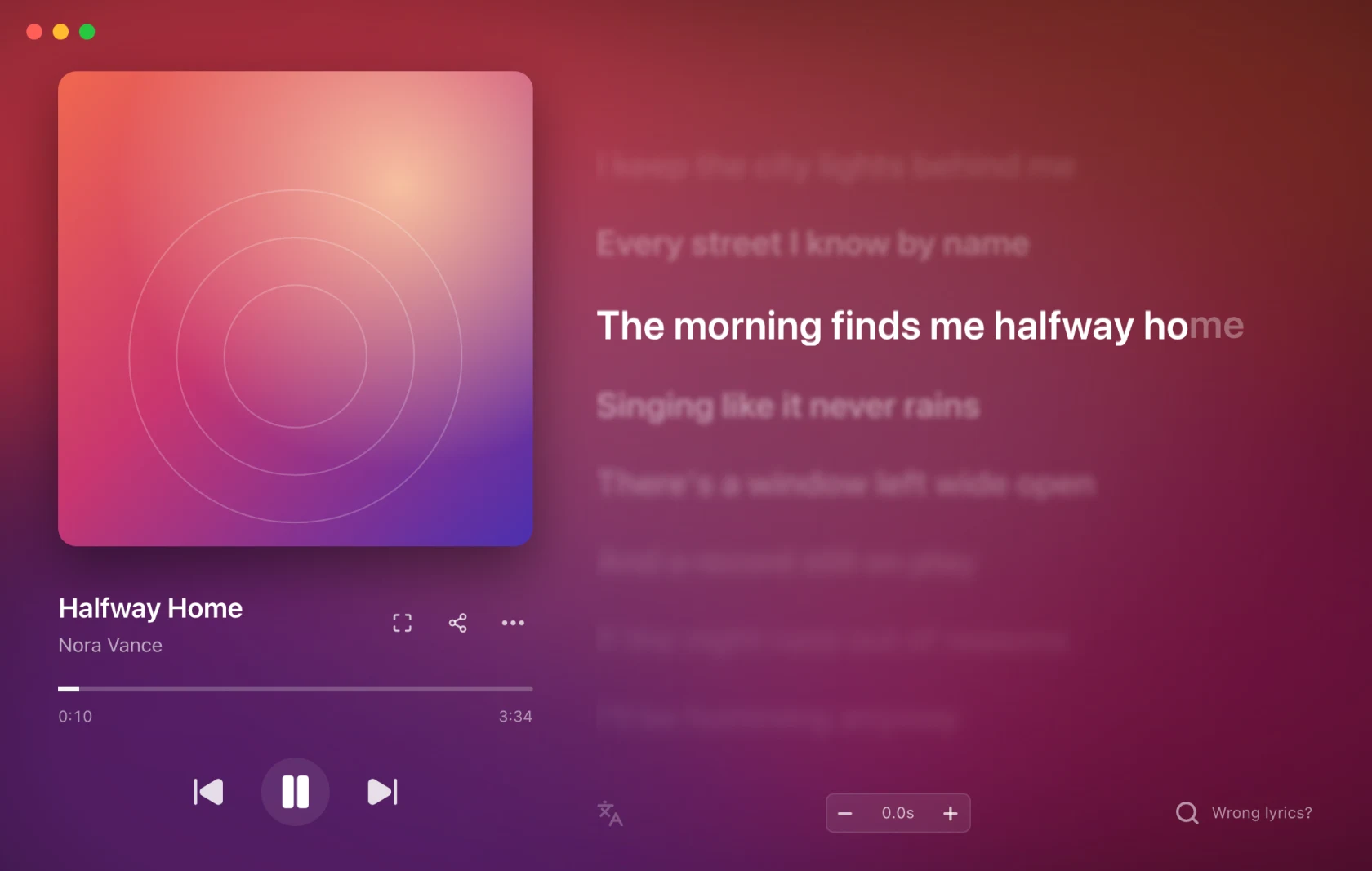
Source-provided translations can appear where available. A translation-language selector and romanisation are not currently offered.
What a lapse does not do
A licence ending is not a reset. The standard Lyrics Window remains available. Desktop overlays close, Karaoke returns to the normal window, and Follow music player stops launching or quitting the app.
Your account, timing offsets, lyrics you chose or saved, your Library and Pro preferences stay saved. Pro preferences are inactive while free. Adding paid time restores access without restarting the app or choosing your settings again.
The expiry dialog offers Later or Add time. Opening a Pro feature while free offers Not now or See plans, with a link to compare plans.
On Android
The same plan covers your phone. Free on Android includes Now Playing with
the whole song and tap to seek, automatic lyrics, your own .lrc files, timing
controls, the Library, Music with the built-in player, and the notification with
playback controls.
Pro on Android adds:
- Floating Lyrics over any app.
- The lyric line in the notification and on the lock screen.
- The home-screen widget with the lyric.
- Karaoke, Identify Song and share cards.
- Choose, fix and time the lyrics yourself, album art, album colour and gradient backgrounds, and the highlight animation.
- Follow music player and Start after a restart.
A new UID created in the app starts a 3-day trial. The APK opens the 123sudo checkout in your browser; Confirm payment brings Pro to the app. Your plan covers your phone and computer, up to the device limit.
Devices
Free allows one device per UID; Pro allows three. If you reach the device limit, remove an unused device from your account and try again. See Your UID and devices.