
UID on three devices
Connect your Pro UID to up to three devices, switch accounts safely, and resolve a device limit.
Free and unpaid active trials allow one device per UID. Active paid and lifetime licenses allow up to three. Trials still include Pro app features.
Save the current UID before switching
A new UID is a separate account. Creating one does not move a license, subscription time, or device history from the UID you were using.
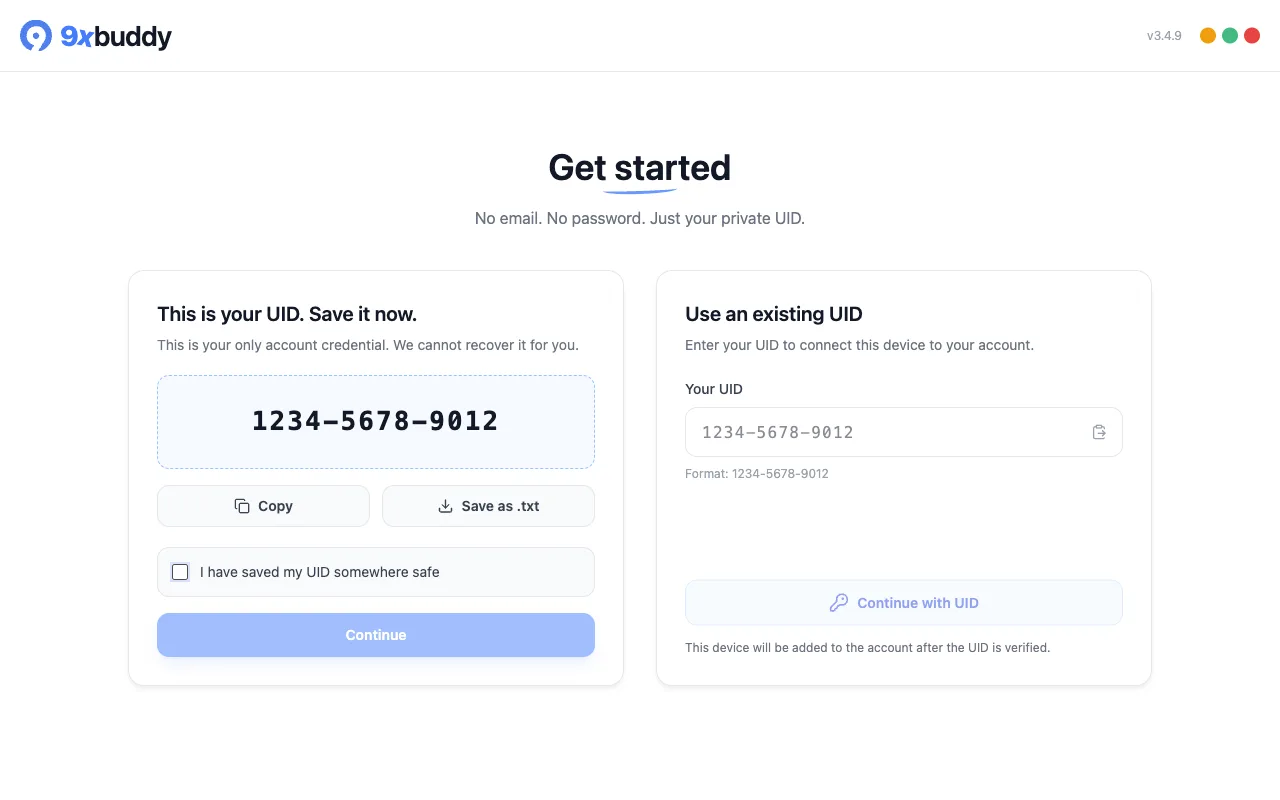
Save a new UID
When you choose Create your UID in the app, 9xbuddy shows the UID once. Choose Copy or Save as .txt, store it privately, tick I have saved my UID somewhere safe, then choose Continue.
Copy the UID from the first device
- Open 9xbuddy on the device already connected to the account.
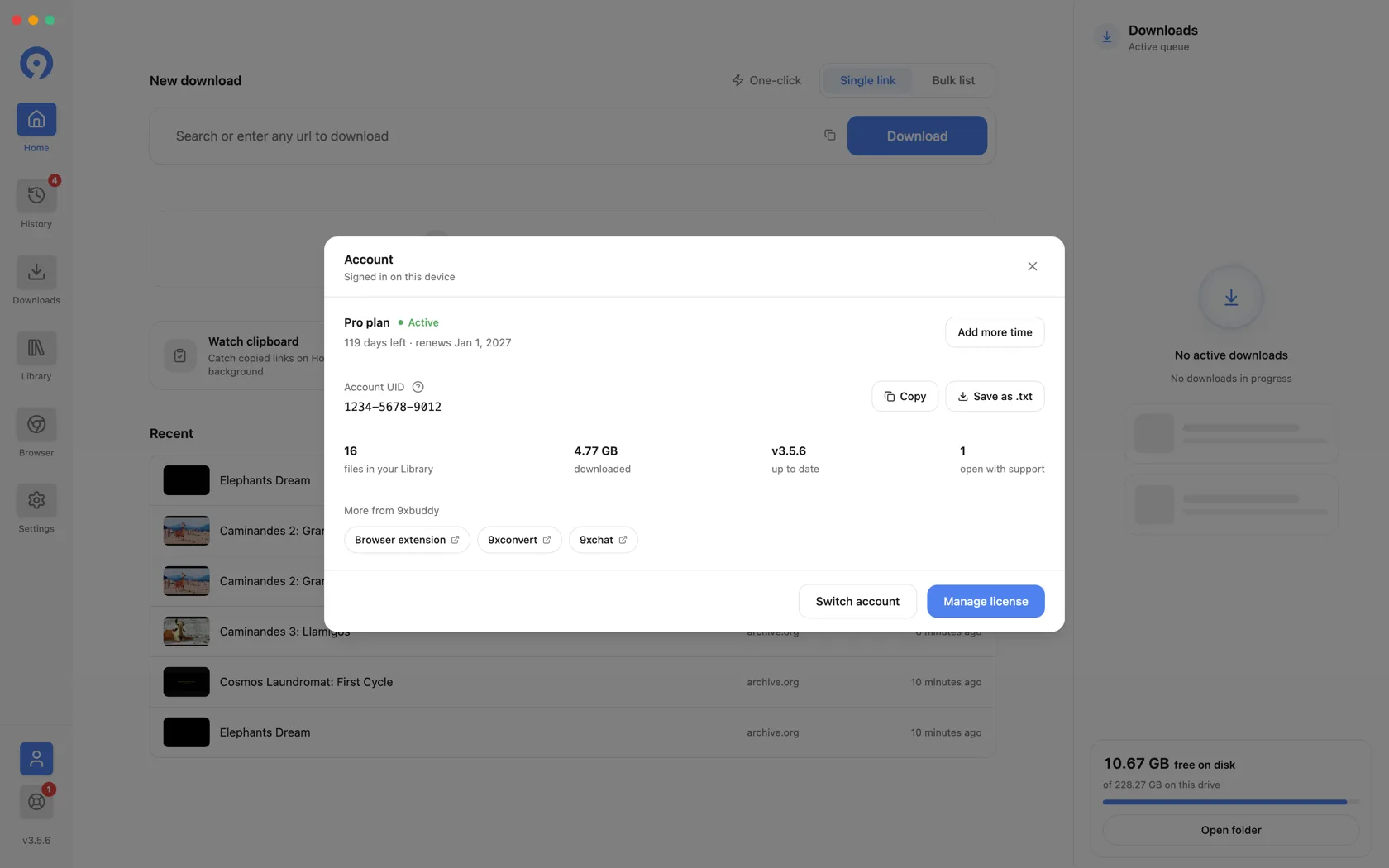
- Choose the person icon near the bottom of the left sidebar.
- In the Account dialog, choose Copy or Save as .txt.
- Store the UID privately. Treat it like a password and do not put it in a screenshot or support message.
Connect devices two and three
On each additional device:
- Install and open 9xbuddy.
- Choose Use an existing UID on the first screen.
- Paste the UID copied from the first device.
- Choose Continue with UID and wait for verification.
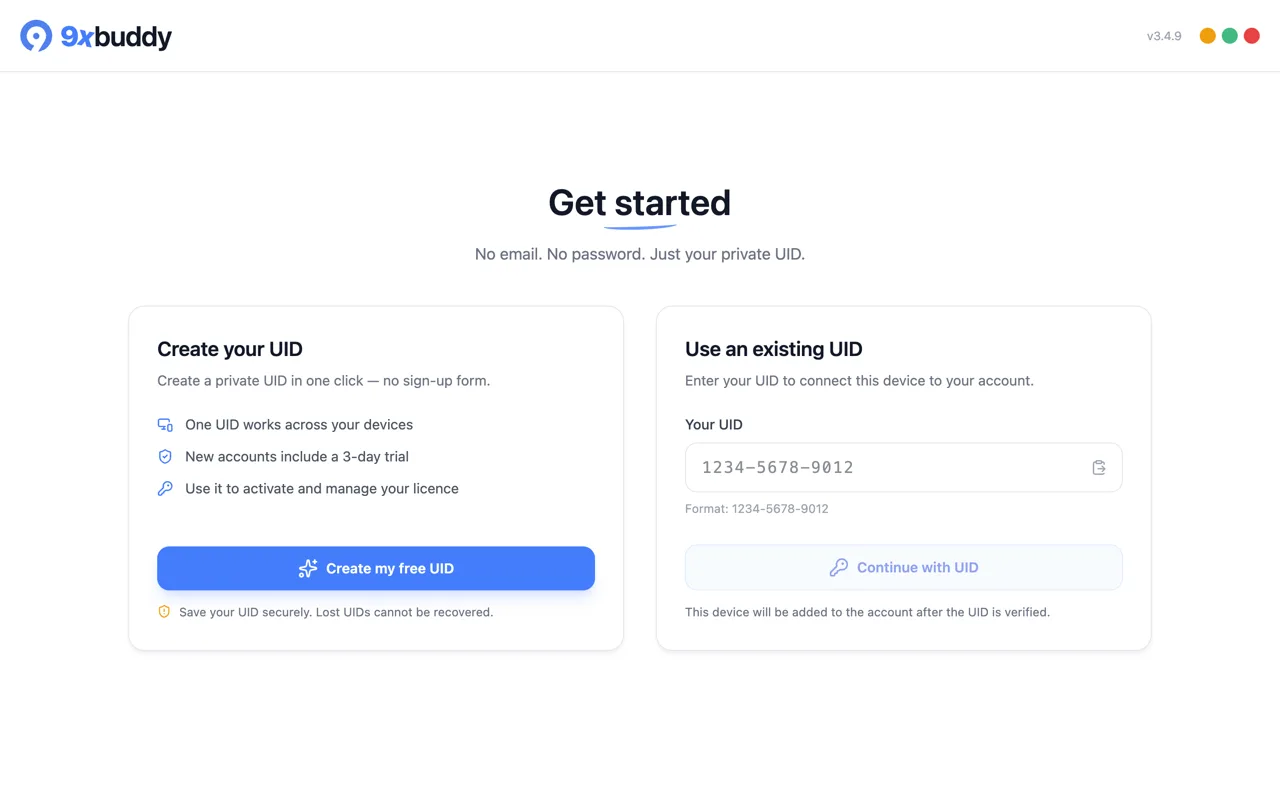
You do not need Switch Account on a fresh installation: the existing-UID card is already available. Account verification needs a connection, even though already downloaded files and local editing do not.
Switch the UID used on this device
Use this only when 9xbuddy is already connected to a different account:
- Open Account and save the UID currently shown.
- Choose Switch account, then confirm Switch.
- On the welcome screen, use Use an existing UID.
- Paste the replacement UID and continue.
Switching changes the account used by this installation. It does not combine the two accounts or transfer a purchase between their UIDs.
If all three device slots are occupied
Open Account → Manage license, then open Devices. Remove an old or unused device before trying the new one again. Removing a device ends that installation's access until it verifies again.
If the app reports a device limit, the UID was recognized; creating a new UID will only create another account. A free UID has one slot, so connecting a second device requires Pro or replacing the registered device.
Reuse the UID in another 123sudo app
The same UID can identify you in supported 123sudo apps, but product licenses are separate. A 9xbuddy purchase does not automatically unlock 9xconvert or 9xchat.
For UID creation, recovery limits, and safe storage, see Your 123sudo UID. For current device allowances, see Free and Pro.