9xbuddy on Android
Download videos, audio, and playlists on mobile with Android Share menu integration and background transfers.
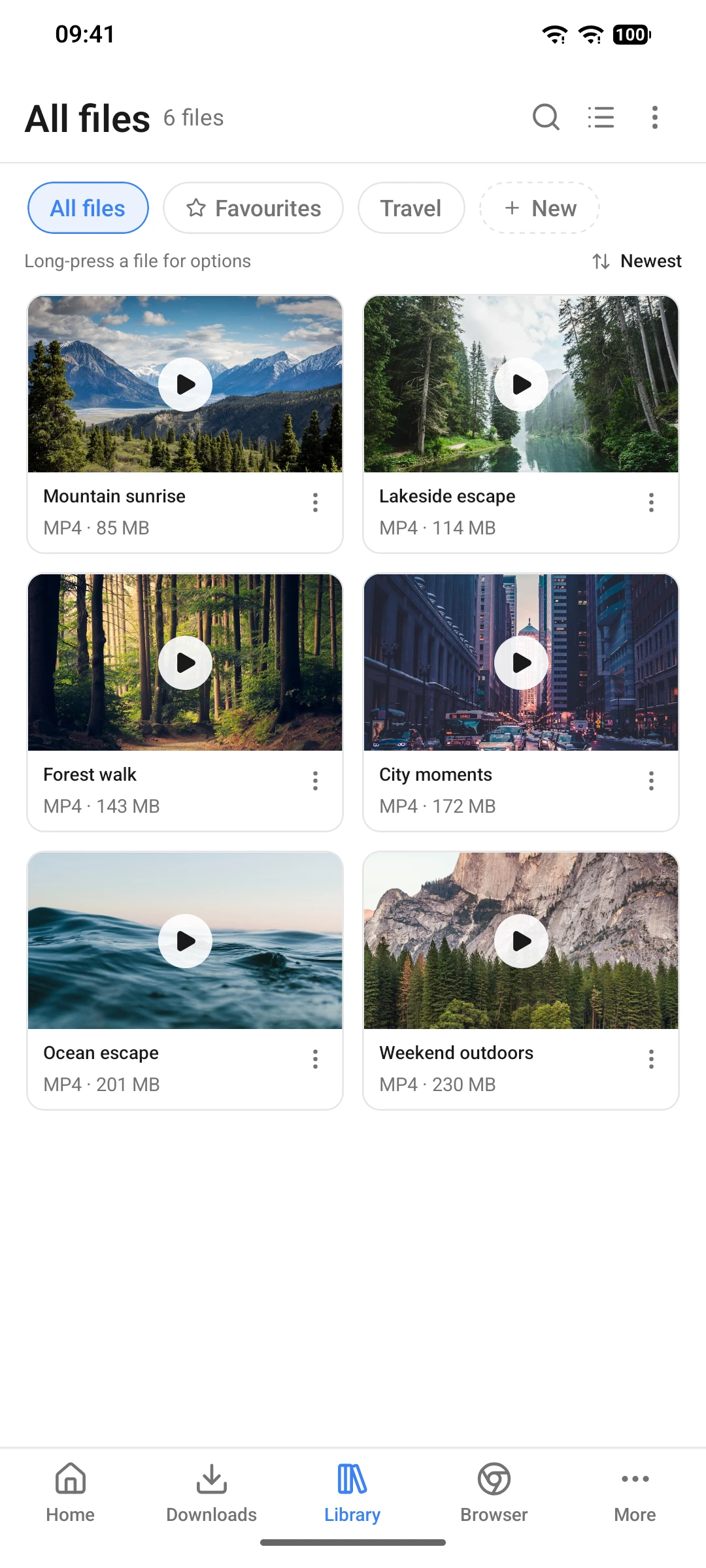
9xbuddy on Android brings fast, private media downloading to your phone. It integrates directly with Android's native Share menu, includes an in-app browser with automatic stream detection, and manages background downloads without tracking your activity.
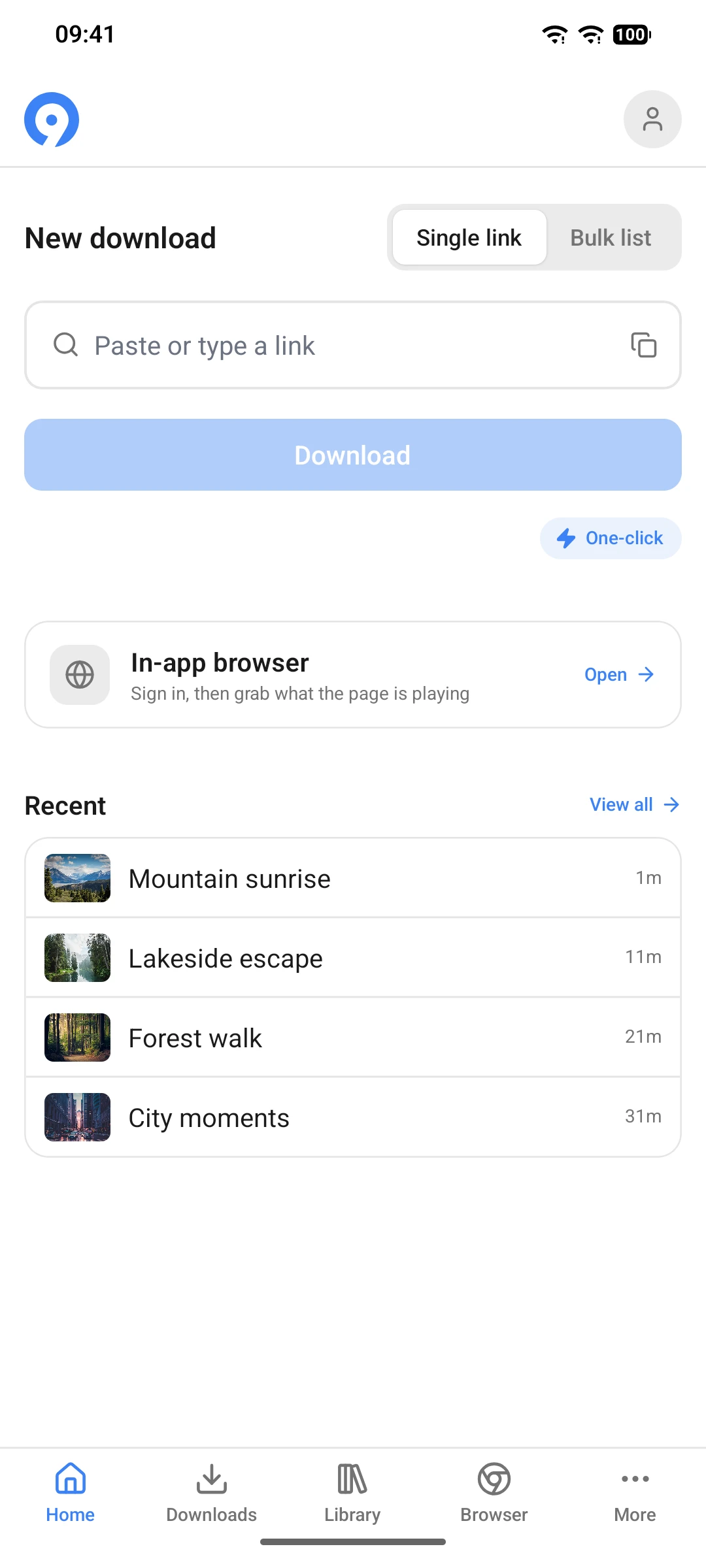
Install 9xbuddy from Google Play. Sign in with your existing 123sudo UID on the first run to unlock your active Pro subscription.
Google Play policy on YouTube
Due to Google Play Store policies, the Google Play build of 9xbuddy does not support downloading from YouTube. Use the desktop app or supported non-Play builds when working with YouTube media.
Core mobile features
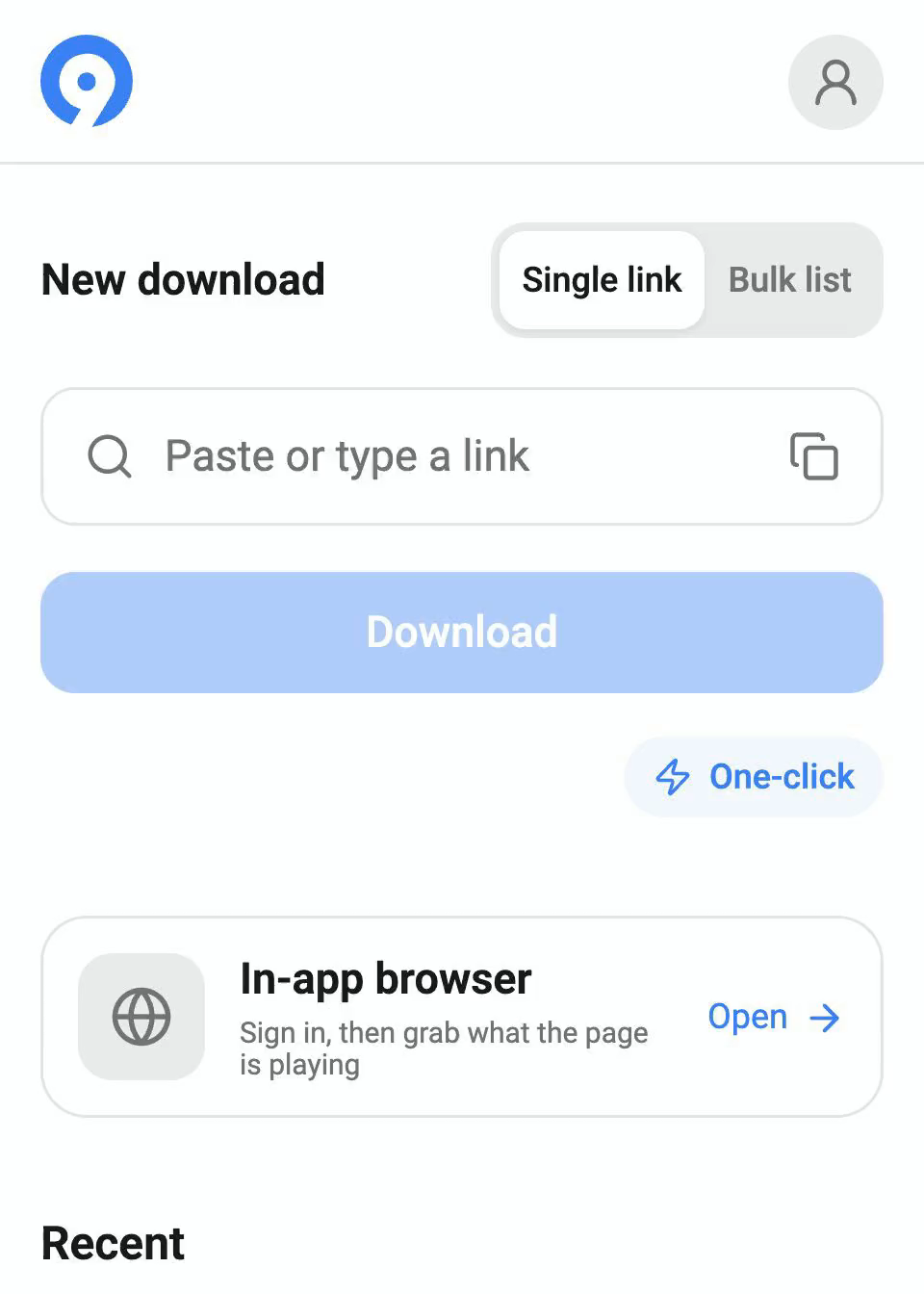
One-click downloads, the browser, bulk downloads and trimming require an active trial or Pro. Free includes 5 downloads per rolling 24 hours, video up to 1080p when available, images, Android sharing, background transfers and Library. The plan split is the same on desktop and Android; see Free and Pro.
1. Download via Android Share menu
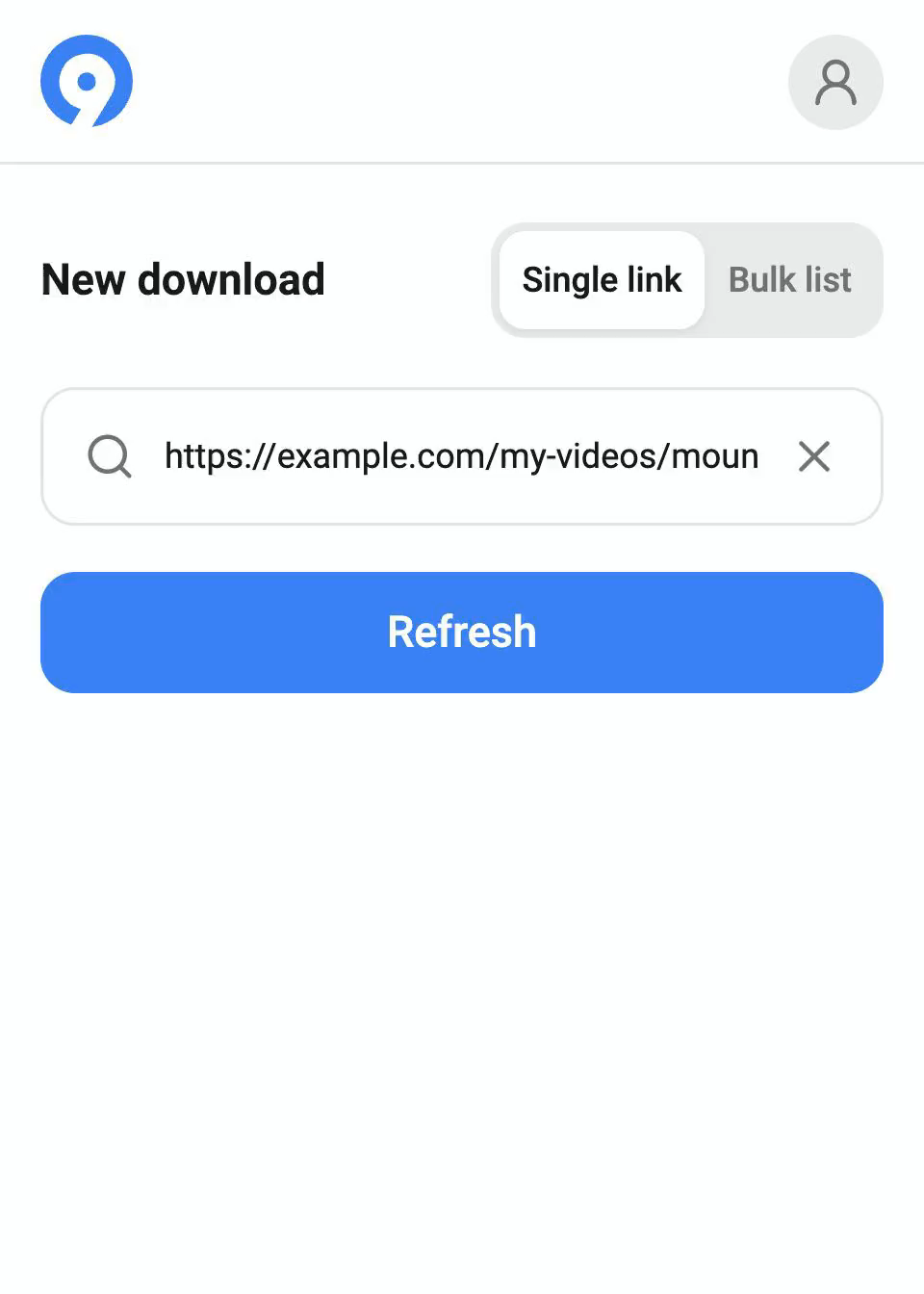
The fastest way to download on mobile is directly from your apps:
- Open any supported app (such as Instagram, TikTok, X/Twitter, or Chrome).
- Tap the Share button on the video or page.
- Select 9xbuddy from the share sheet.
- Review the formats the source provides. Free downloads video up to 1080p and images; audio, subtitles, MP3 and video above 1080p require Pro.
2. In-app browser with link detector
With an active trial or Pro, browse your favourite sites directly within 9xbuddy. The built-in media detector scans active web pages in real time and highlights downloadable video, audio, and stream links as you browse.
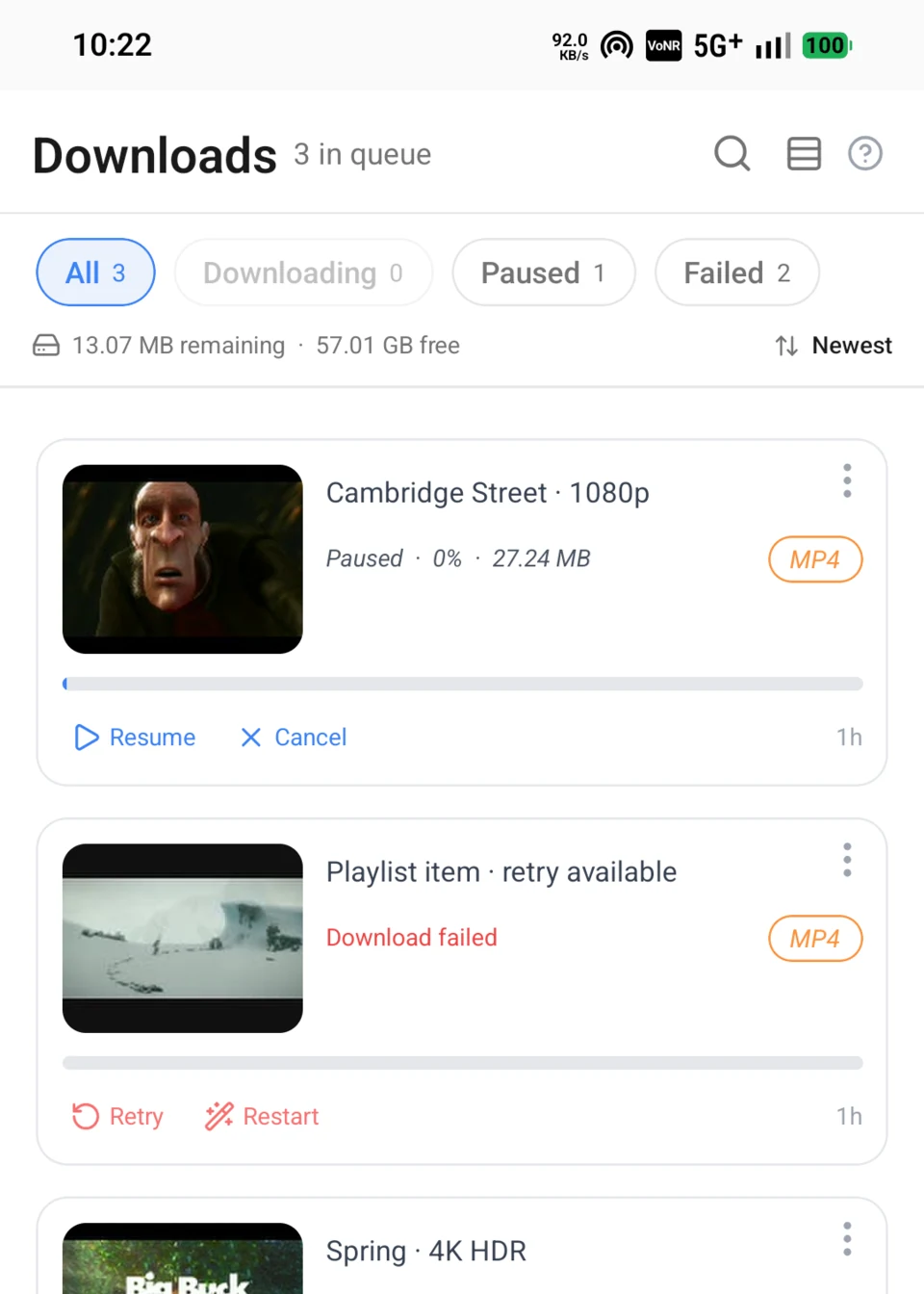
3. Background download manager
- Queue and notifications: Downloads run in the background with progress updates in your Android notification drawer.
- Pause and resume: Pause active transfers and resume them when switching between Wi-Fi and mobile data.
- Battery optimization: For large queues or high-resolution downloads, allow unrestricted background battery usage for 9xbuddy in Android system settings.
4. Smart video and audio trimmer
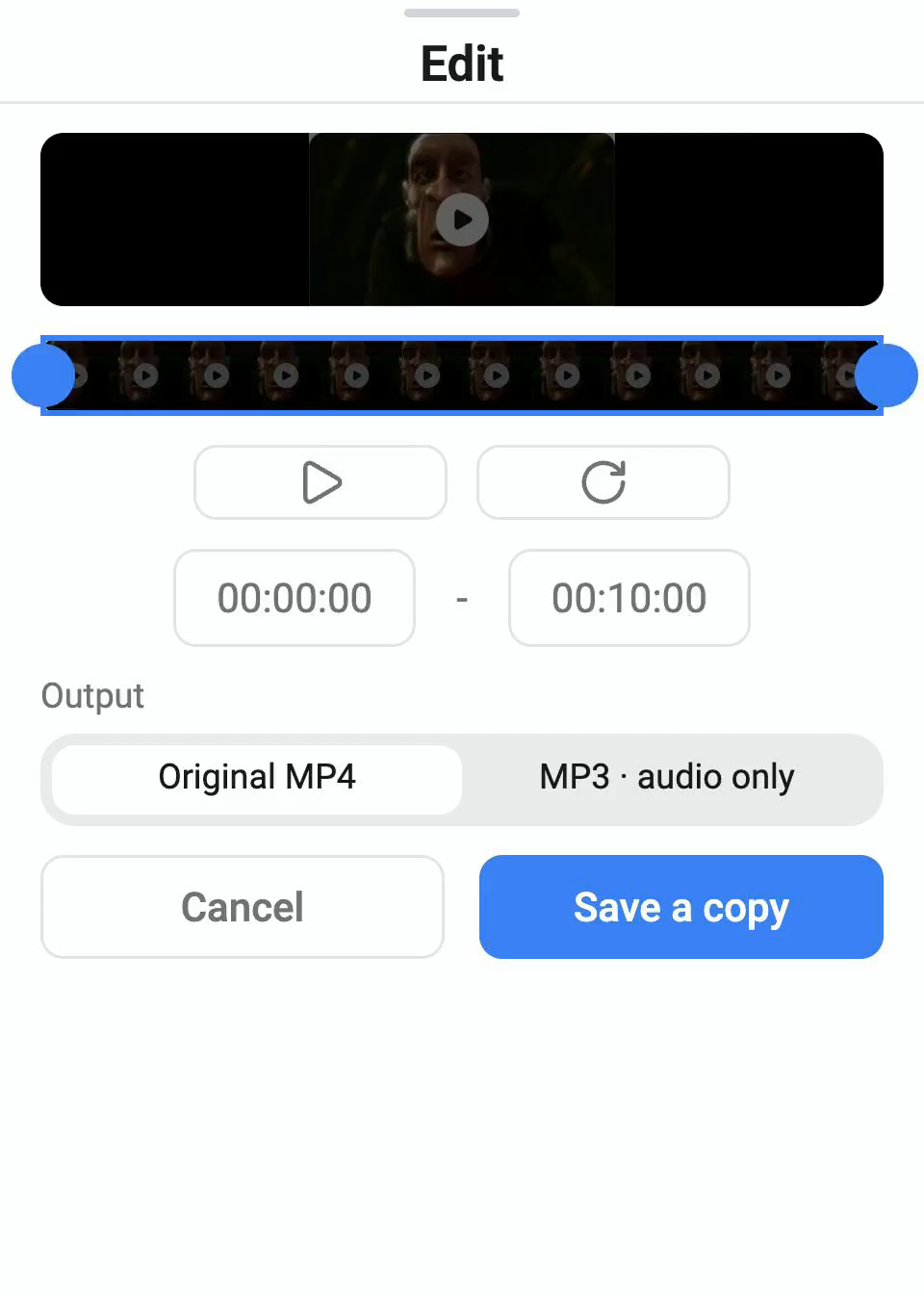
With an active trial or Pro, trim a downloaded file and save a separate copy:
- Set start and end timestamps to capture only the highlight or soundbite.
- Remove unwanted intros or outros without external editing apps.
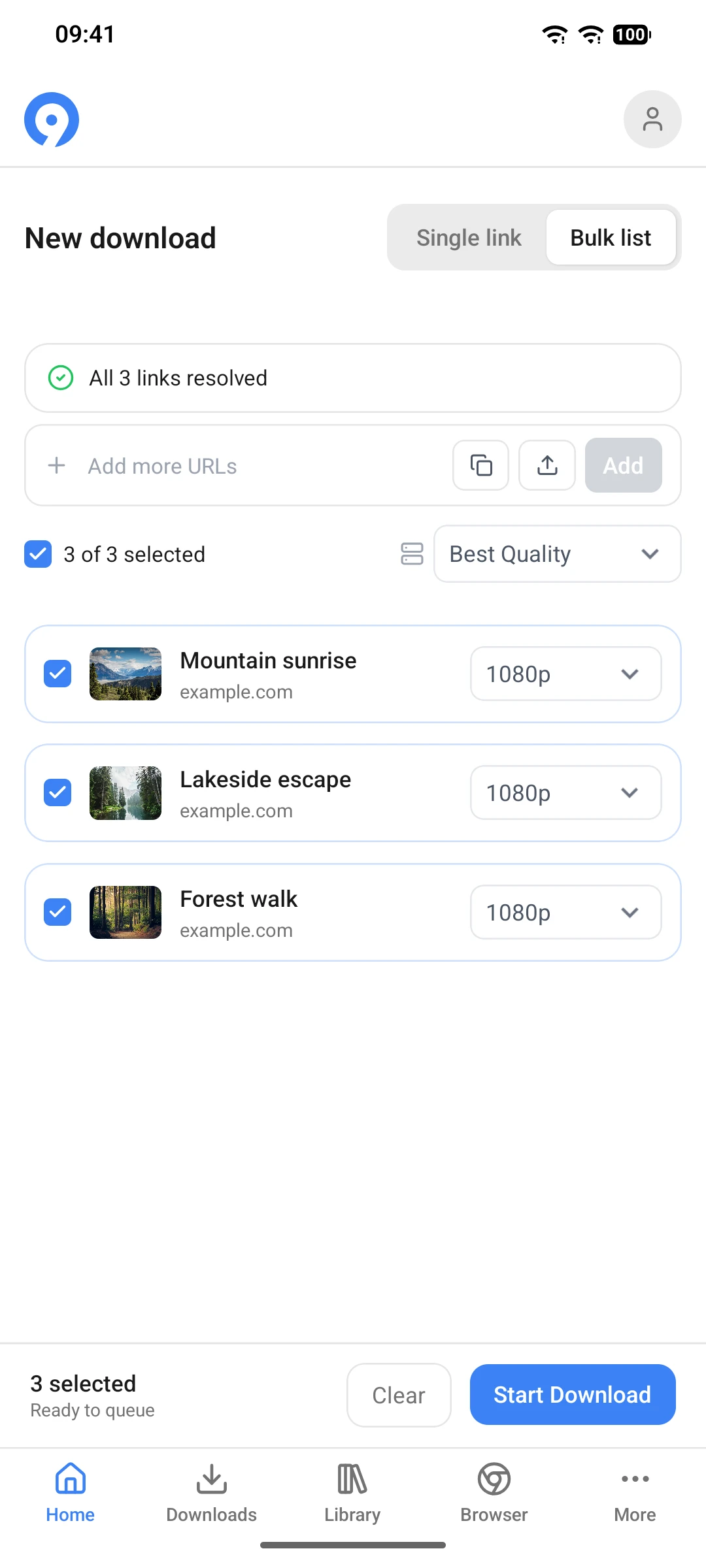
5. Playlists and batch downloads
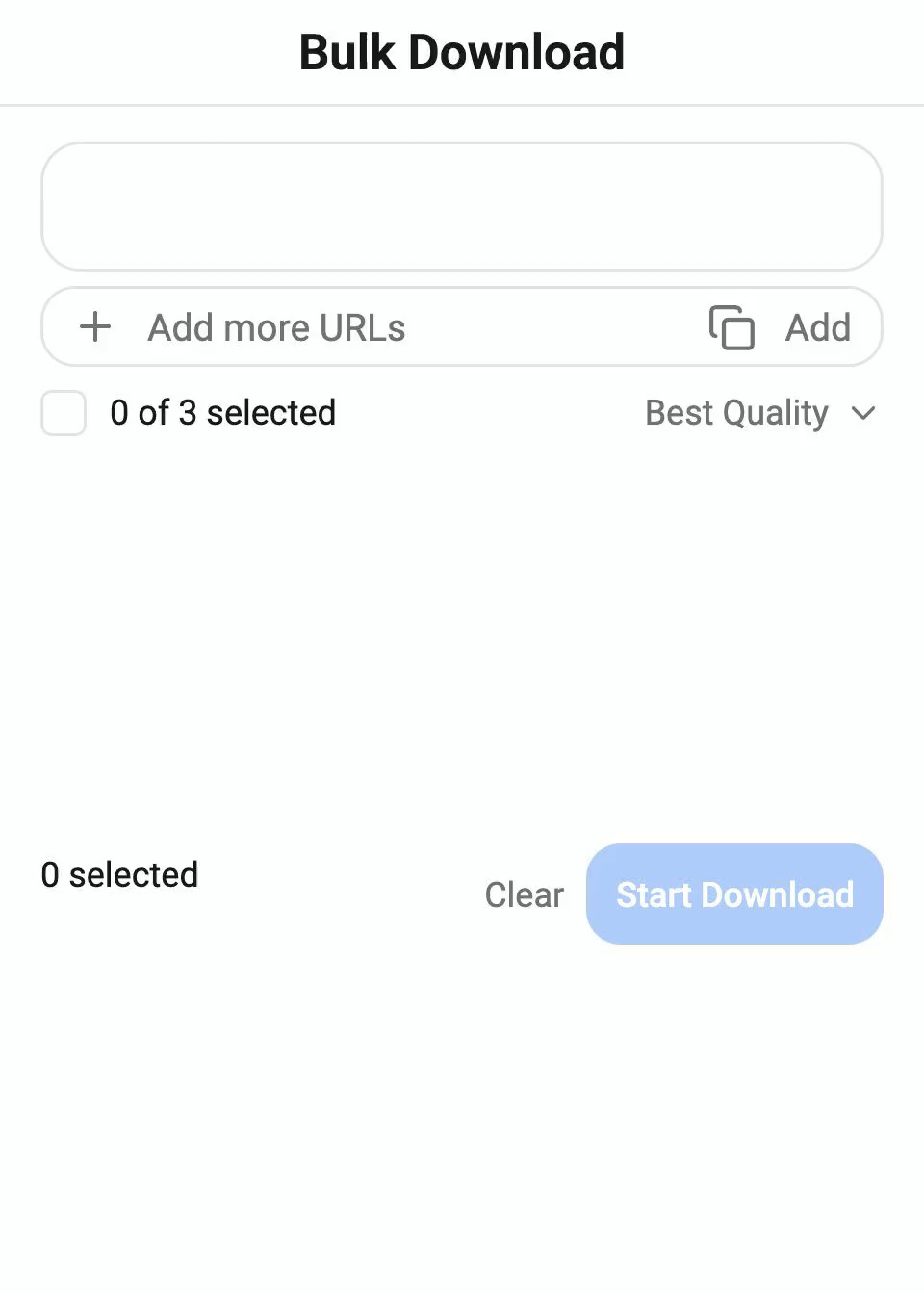
With an active trial or Pro subscription, paste playlist URLs, multiple links, or import a CSV/TXT list to queue batch downloads. 9xbuddy parses the list and processes downloads sequentially.
Desktop vs. mobile comparison
| Feature | Desktop (Win / Mac / Linux) | Mobile (Android) | Notes |
|---|---|---|---|
| Share Menu Integration | — | Yes | Send links directly from social and media apps |
| In-App Browser Detector | Pro | Pro | Capture media streams while browsing |
| Background Downloads | Yes | Yes | Notification bar progress on Android |
| Video & Audio Trimmer | Pro | Pro | Trim a downloaded file and save a separate copy |
| CSV / TXT Batch Import | Pro | Pro | Queue batches from text or CSV link lists |
| Custom Headers & Cookies | Pro | Pro | Session headers and cookies for authorised streams |
| Video quality above 1080p | Pro | Pro | Available when the source platform provides it |
| Audio and subtitle extraction | Pro | Pro | Available when the source platform provides it |
| Parallel connections | 1 on Free | 1 on Free | Pro makes connections configurable |
| Parallel downloads | 1 on Free | 1 on Free | Pro makes parallel downloads configurable |
| Browser Extension | Yes | — | Chrome, Edge, and Firefox desktop extensions |
Where files are stored
By default, videos are saved in Movies/9xbuddy, audio in Music/9xbuddy, and other files in Download/9xbuddy on the selected storage volume. A custom folder chosen in Settings is used instead. Downloads is the active queue; finished files appear in Library. Open a finished file's preview to see its saved Location, or use Open or Share. Gallery visibility depends on the folder, media app, and file format; custom folders are not guaranteed to appear in Gallery.