
Android home-screen widget
Keep your latest clips and actions on the home screen.
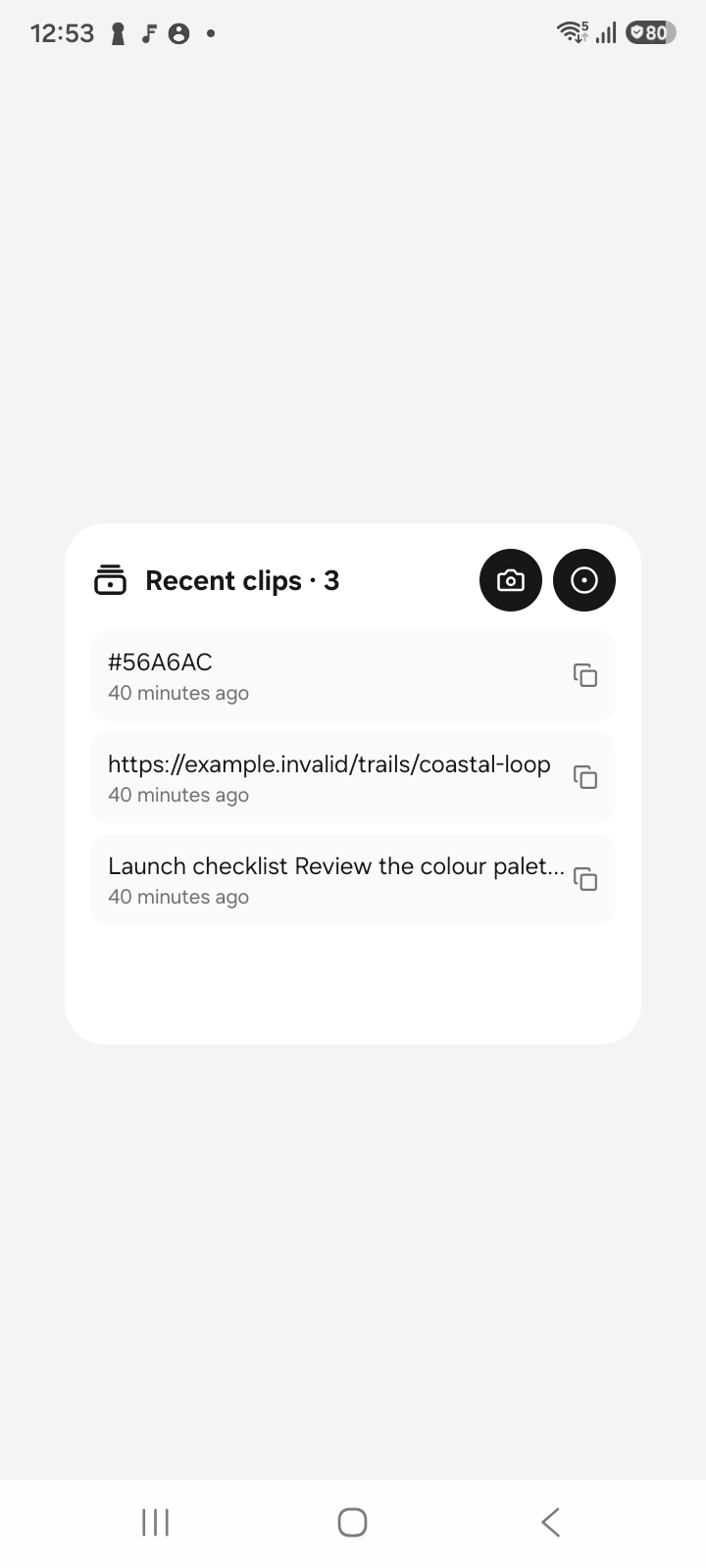
The home-screen widget is a Pro feature on Android. Open your launcher's widget picker, choose 9xSnap and place the widget on your home screen.
The Android widget shows up to three clips, pinned first then newest. Tap unlocked text to copy it; locked clips open Library for authentication. Sensitive mode hides their previews. The desktop clipboard widget is a different floating surface, covered in the floating panels guide.
Use it to reach recent clips and actions. The selected action still needs its permissions and plan; starting it from a widget does not change those requirements.
For capture permissions and other ways to open the menu, use the guides below. This is an Android widget, not a desktop overlay.