
Guides
Library and Trash
Find saved clips, screenshots and recordings.
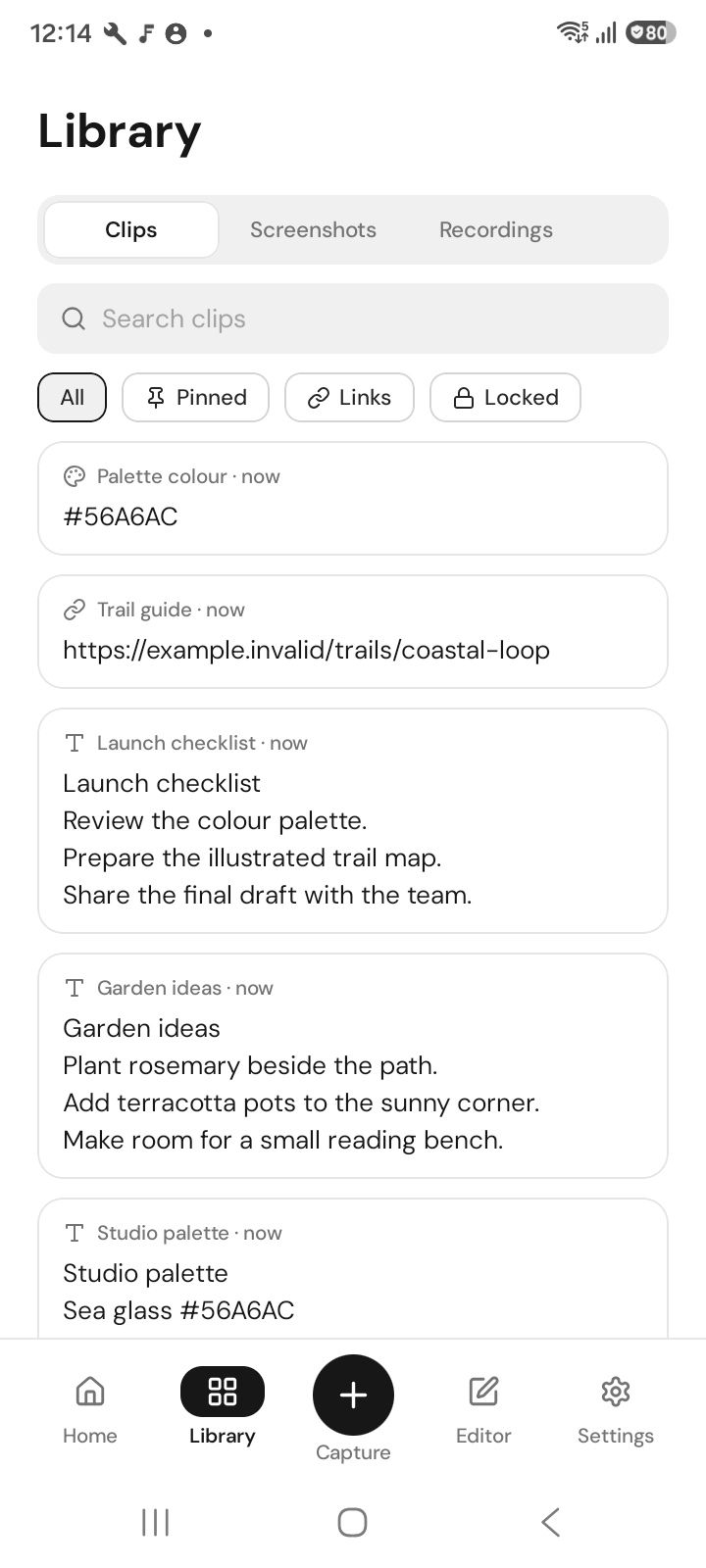
Open Library and choose Clipboard, Screenshots or Recordings. Search for an item, open it, or select several items for a shared action.
Free opens the 50 newest history entries across all categories, including Trash. Filtering does not create another allowance. Older entries stay saved but locked; Pro opens the full retained history.
Open Trash to preview and restore a deleted item. Review items before permanent deletion. History stays on this device; it is not a shared library across devices.