
Screenshots
Full screen, a region, a window or a delayed capture.
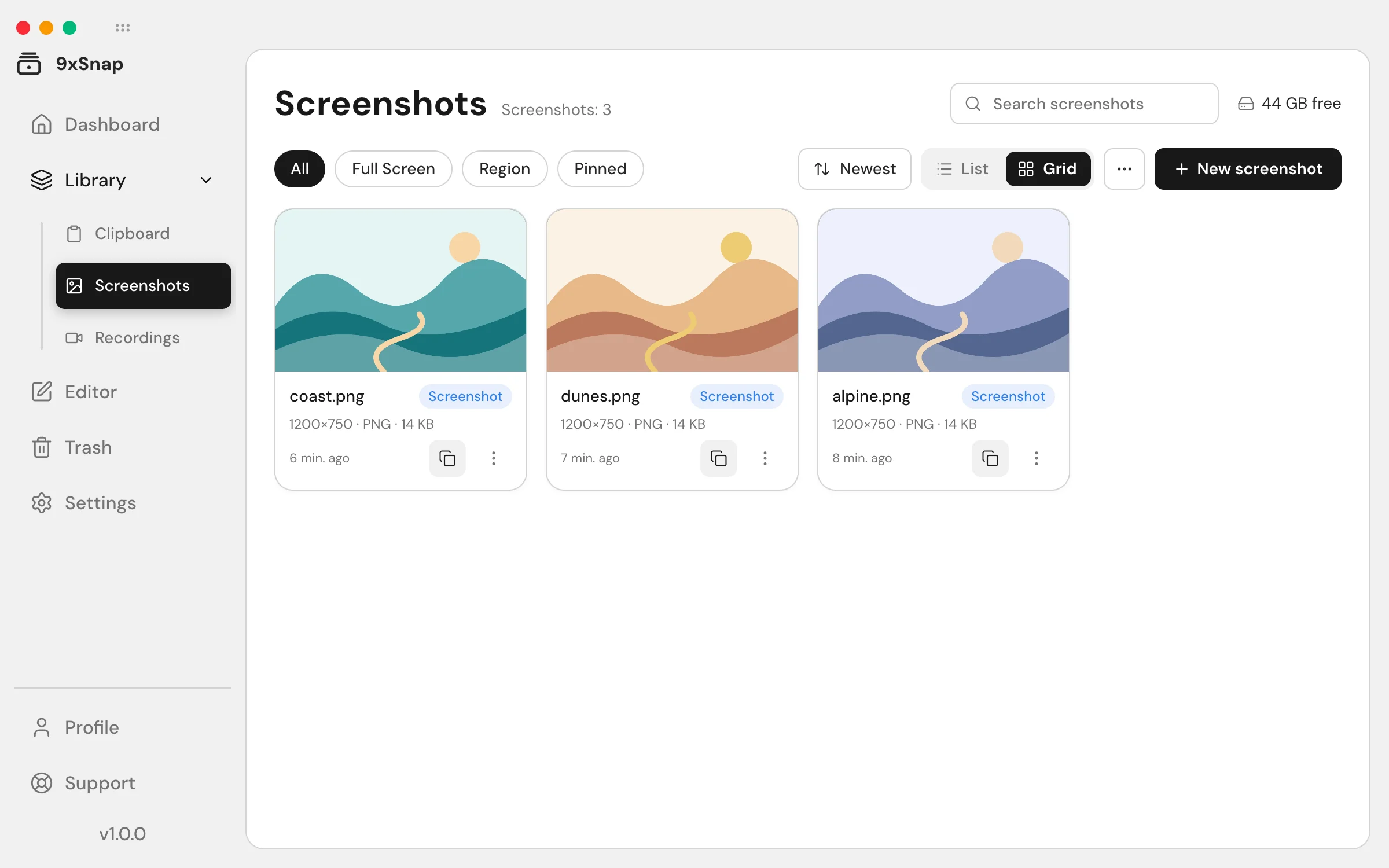
On desktop, full-screen, region and fixed-size screenshots are Free. Active or chosen window capture requires Pro. The floating screenshot Quick Panel also requires Pro, independently of the capture mode; Free basic capture remains available through the default capture shortcuts and tray actions.
Android
On Android, full screen, region, current app and scrolling capture are Free through basic entry points. The floating button and menu require Pro. Scrolling depends on the target app; desktop does not offer scrolling capture.
Take screenshots from the app, a Quick Settings tile, a shortcut or your volume keys.
Choose the capture area first, take the screenshot, then open the saved image in your history. Use the editor for annotations or cropping; basic capture does not require the editor.
Some apps, such as banking apps, block screenshots. Android enforces that and 9xSnap does not try to bypass it.
Edit a screenshot with the editors. The original is never changed.
Capture a region on desktop
- Open the screenshot quick panel from the tray or a shortcut.
- Choose the region mode.
- Drag around the part you want, then complete the capture.
- Open Screenshots in Library to find the result.
Use full screen when the whole display matters, a region for a precise area, or window capture with Pro for one window. On macOS, allow Screen Recording in system settings if capture access is missing.
Prepare an Android capture
Desktop delayed capture is available in the screenshot Quick Panel, with a delay up to 30 seconds. For a region, select the area first; after the delay, 9xSnap captures that area again. Default screenshot hotkeys capture immediately. On Android, choose the area before the timer starts.
Check the saved result
Review the image before sharing, especially around the selected edges. Basic capture and recent history are Free; full history and editing/export are Pro. If Android refuses a protected screen, choose content the app permits you to capture rather than trying to bypass the restriction.