
Settings
Choose a workflow, then open its step-by-step guide.
Android
On Android, check Permissions before using capture, Shortcuts for tiles and volume-key actions, and App lock before sharing the device. Excluded apps prevents saving copies from selected apps. Sensitive mode hides previews; it is not the same as excluding an app.
Desktop
On desktop, keep the tray app running for clipboard capture. Review capture permissions in your operating system. Custom shortcuts and window capture require Pro; full-screen and region screenshots are basic capture.
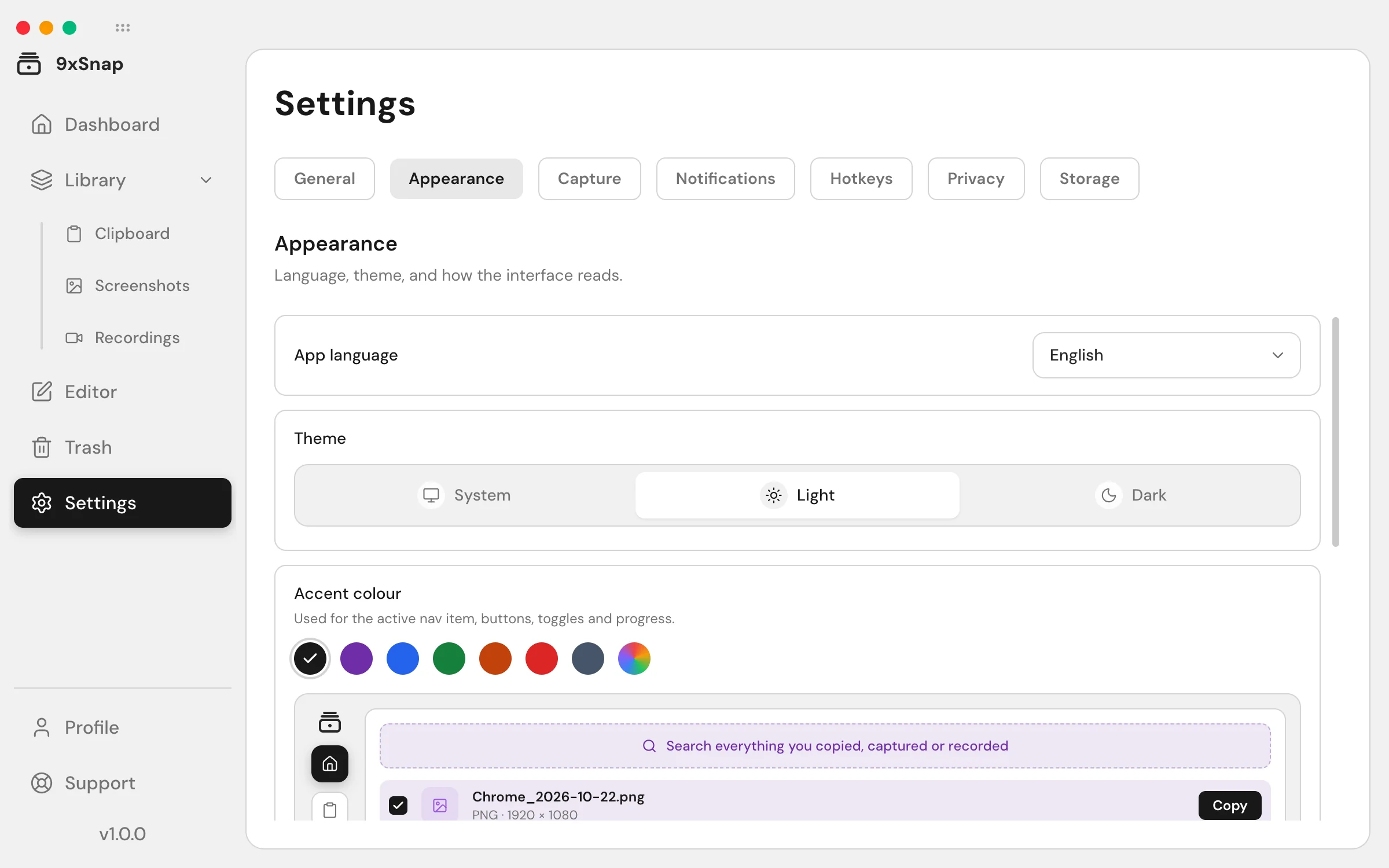
Choose theme, accent, interface size, language and reduced motion in Appearance. Desktop storage settings choose the capture folder, retention and a warning or stop threshold for new file captures. Text clips can still be saved at that threshold. Database and settings storage are separate from the capture folder.
Desktop ZIP backup export requires Pro and an unlocked app. Restore is available on both plans and adds items while skipping duplicates. Backups exclude Trash and account credentials. Captures do not sync between devices; app lock and database encryption do not encrypt screenshot, recording or ZIP files.