
9xConvert on Android
Convert and edit local files on Android phones and tablets, with Library, flows, drafts and sharing.
9xConvert mobile is for Android phones and tablets, not iOS. Conversion runs on your device without uploading input files for processing. Account verification, URL downloads and updates still need a connection.
Get the app from Google Play or the direct APK on the Android page. Signing in identifies your account; it does not by itself grant a paid licence.
Find your way around
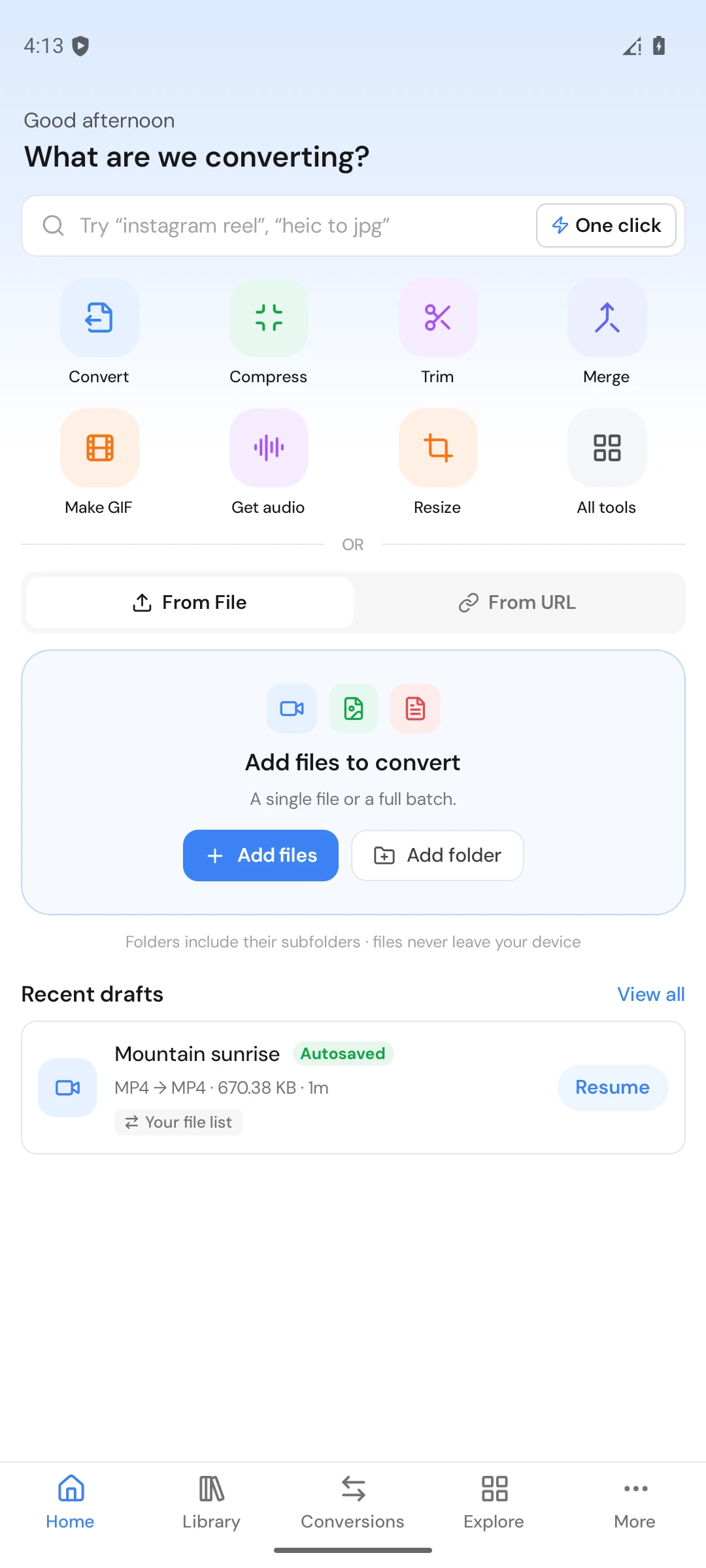
The five main tabs are Home, Library, Conversions, Explore and More. More opens Account, Editors, Settings, Guides, Support and Changelog. The tablet uses the same product features with layouts adapted to available space.
- Home adds files, applies formats and prepares conversions.
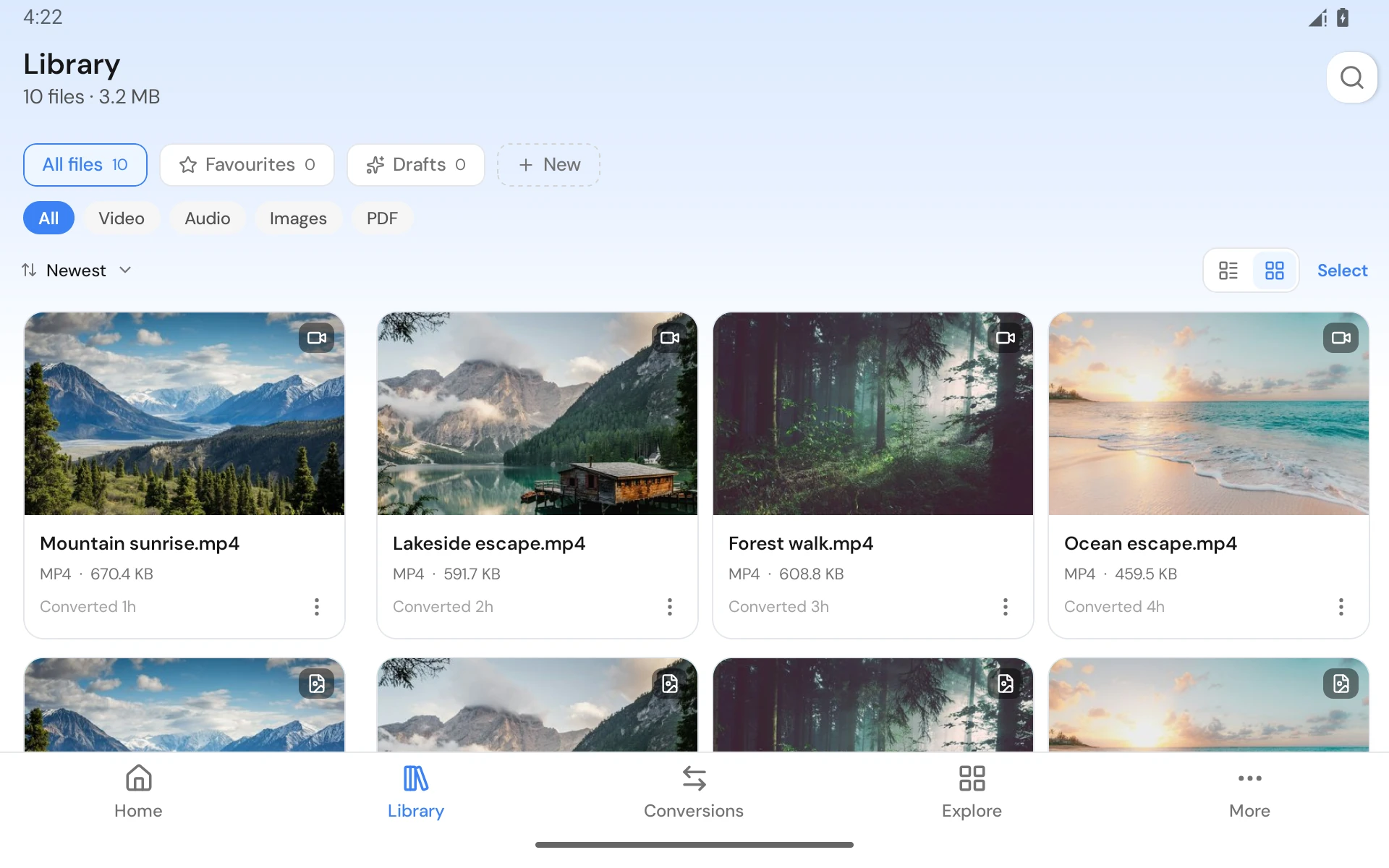
- Library finds outputs, favourites, collections and drafts.
- Conversions shows status filters, progress and row actions.
- Explore searches tools, built-in flows and your own flows.
- More holds account and app-level options.
Convert and edit local files
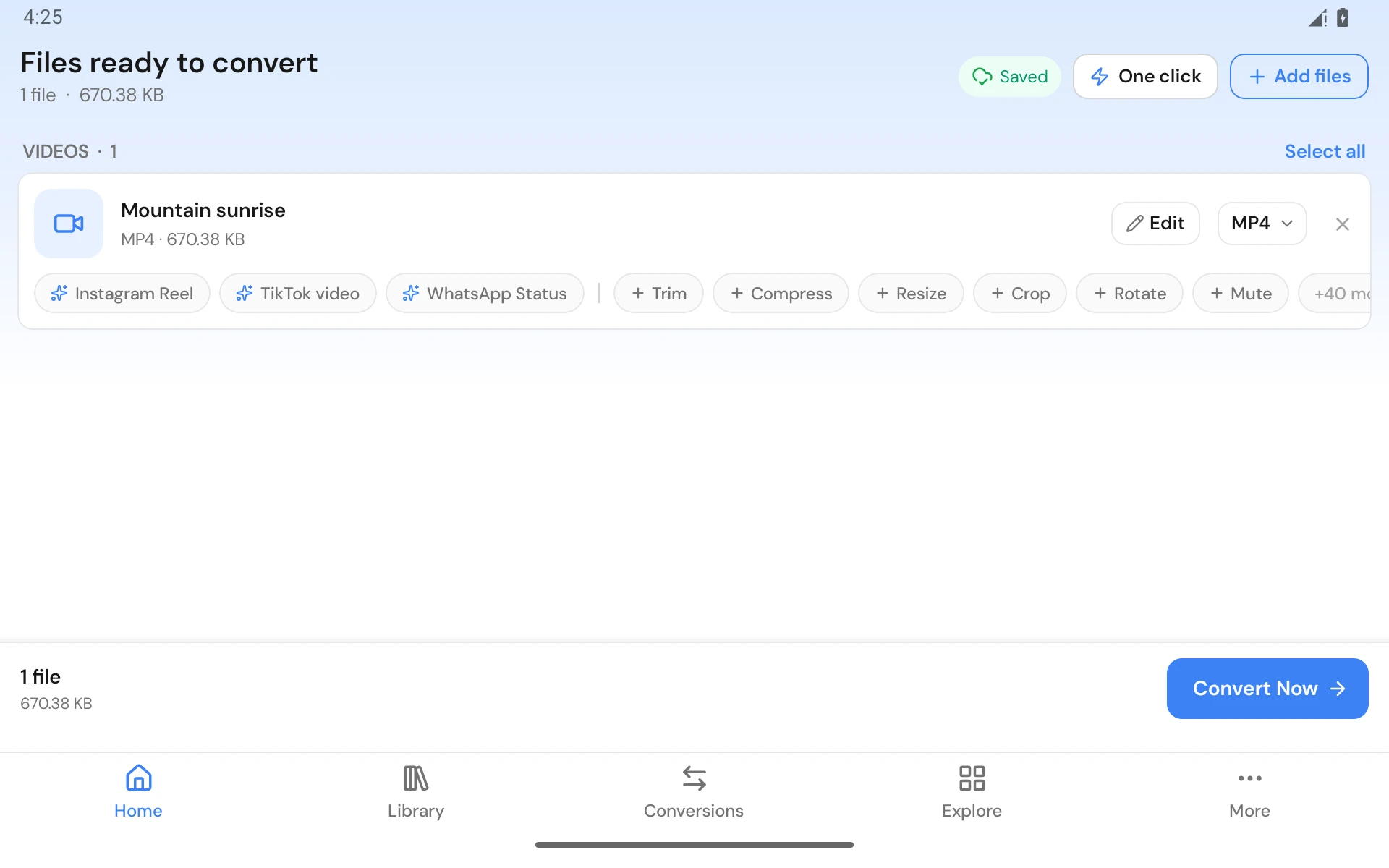
Use From File and the Android picker. Select compatible files, choose output settings, and start conversion. Supported categories include video, audio, image, GIF, PDF, subtitles, documents and EPUB.
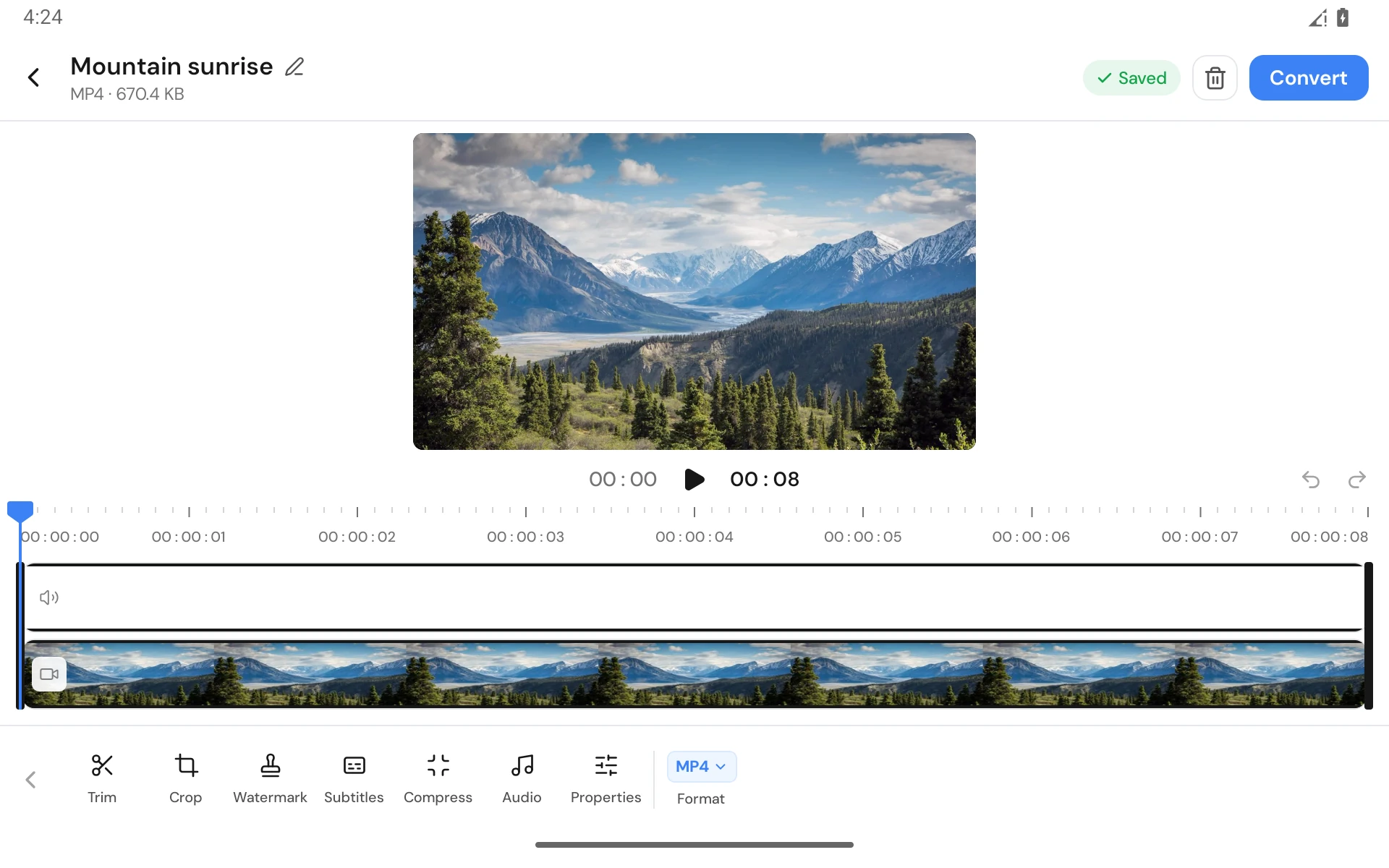
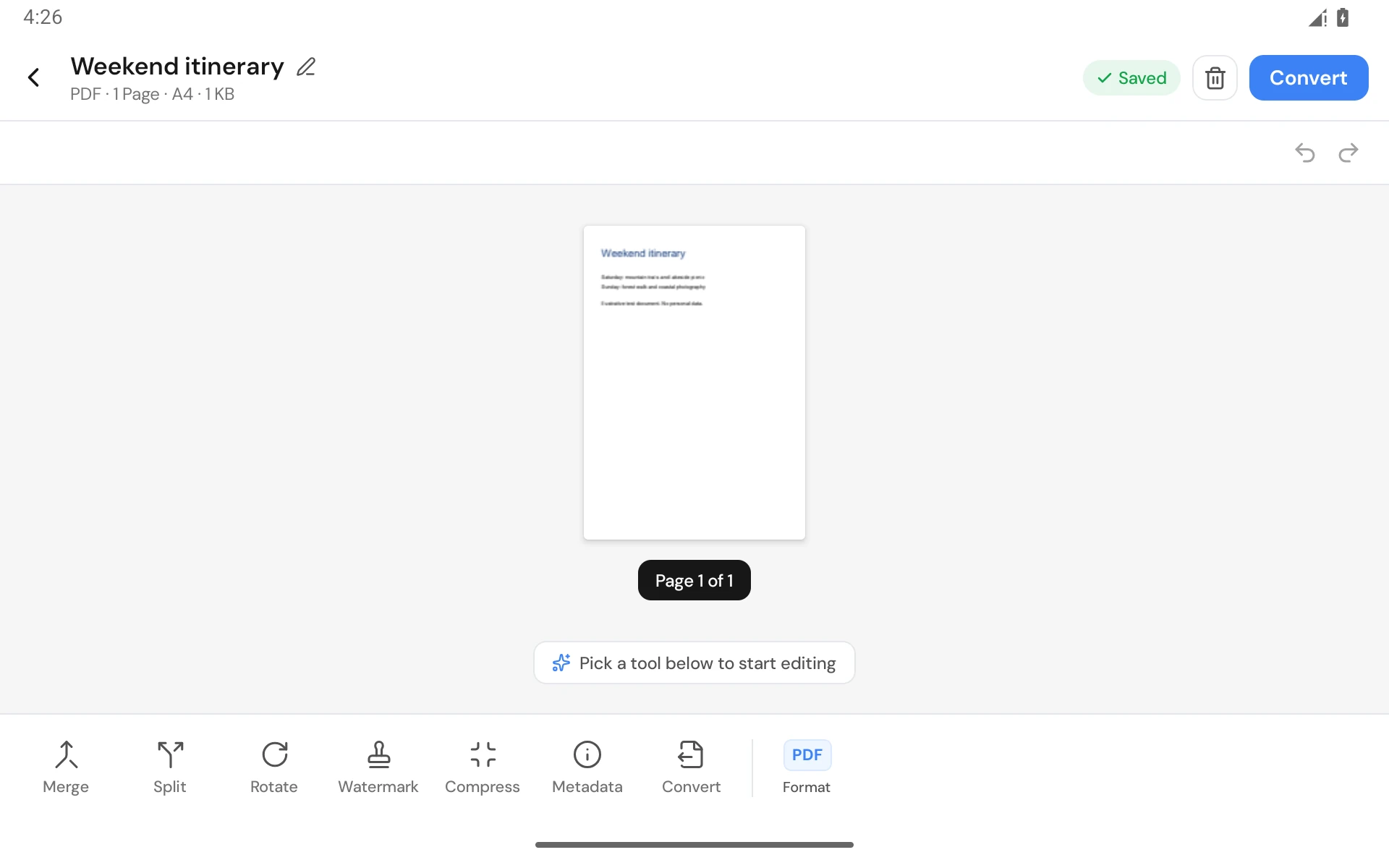
More → Editors offers eight editor kinds and opens the selected file on Home. Editing a new local file stays Free within limits. Opening a finished output for further editing or conversion is Pro.
Free and Pro
Free allows five outputs in a rolling 24 hours, up to five files per normal batch, one conversion at a time and three editable own flows. Drafts, history, appearance and individual queue controls stay Free.
On desktop and Android, active conversions reserve Free slots. Failed or cancelled conversions release their slots. Completed conversions still count within the rolling 24-hour window even after their history records or output files are deleted. Pro and active trials have no conversion cap.
Pro adds unlimited conversions and larger batches, parallel work, URL downloads, queue-wide controls, reworking finished outputs, unlimited own flows and in-app support. An active trial includes Pro. Read the full comparison.
Share to 9xConvert
In another app, share a supported local file to 9xConvert, choose an offered action, and review or start it. Android Open with can also offer the app for supported file types. Local share conversion counts toward the Free allowance.
Choose built-in share actions in More → Settings → Share menu. Own eligible flows in the share sheet are Pro and remain local to this device. Sharing a URL is a Pro download, not a Free local-file conversion.
Flows and drafts
Use Explore to find a built-in flow or create your own. Flows store steps and output settings; they do not copy input files or synchronize through the account.
Drafts retain unfinished file lists, editor settings and supported guided-flow work. Resume them from Home or Library. Originals and the permissions to read them must still exist.
Where converted files are saved
The app keeps its own output and publishes a copy to the destination in Settings → Conversions → Location. Default destinations are Android's Movies, Music, Pictures or Download folders under 9xConvert, according to file type.
An available SD card or chosen folder can be used where Android permits it. If that destination becomes unavailable, the app can fall back to default storage and report where the file went. Check Saved to, Open or Share on the result.
Removing a Library entry leaves its files. Delete file is a different action and can remove the tracked output copies. Old entries or extra copies may not all be tracked. See Library.
Background work and updates
Progress notifications let you follow active work. Android permissions, battery restrictions, storage access or stopping the app can interrupt a job; background processing is not a guarantee that work survives every restart.
Google Play builds update through Google Play. Direct APK builds use the in-app update prompt and Android's installer. Read updates and troubleshooting.