
9xchat
A private, agentic AI workspace for cloud and local models.
9xchat brings all your favourite AI models into one private workspace, with persistent memory, live tools, and real context in one place — while keeping your data private and local.
It is a workspace rather than a chat box: chat, notes, images, agents, and prompts sit side by side, and you choose whether a request runs against a cloud model, your own API key, or a model running on your machine.
Start here
Install 9xchat
Get the app on Windows, macOS, Linux, Android, or iOS.
Your first run
Send your first message and connect a model.
Features
Agentic workflows, multi-model comparison, memory, and more.
FAQ
Platforms, pricing, models, and privacy questions.
What is in the desktop app
| Area | What it is for |
|---|---|
| Chats | Threads, tabs, and search, with the model chosen per message |
| Notes | Written notes and highlights kept beside your conversations |
| Images | Generating and editing images from a prompt |
| Code | Point the assistant at a project folder to review or refactor it |
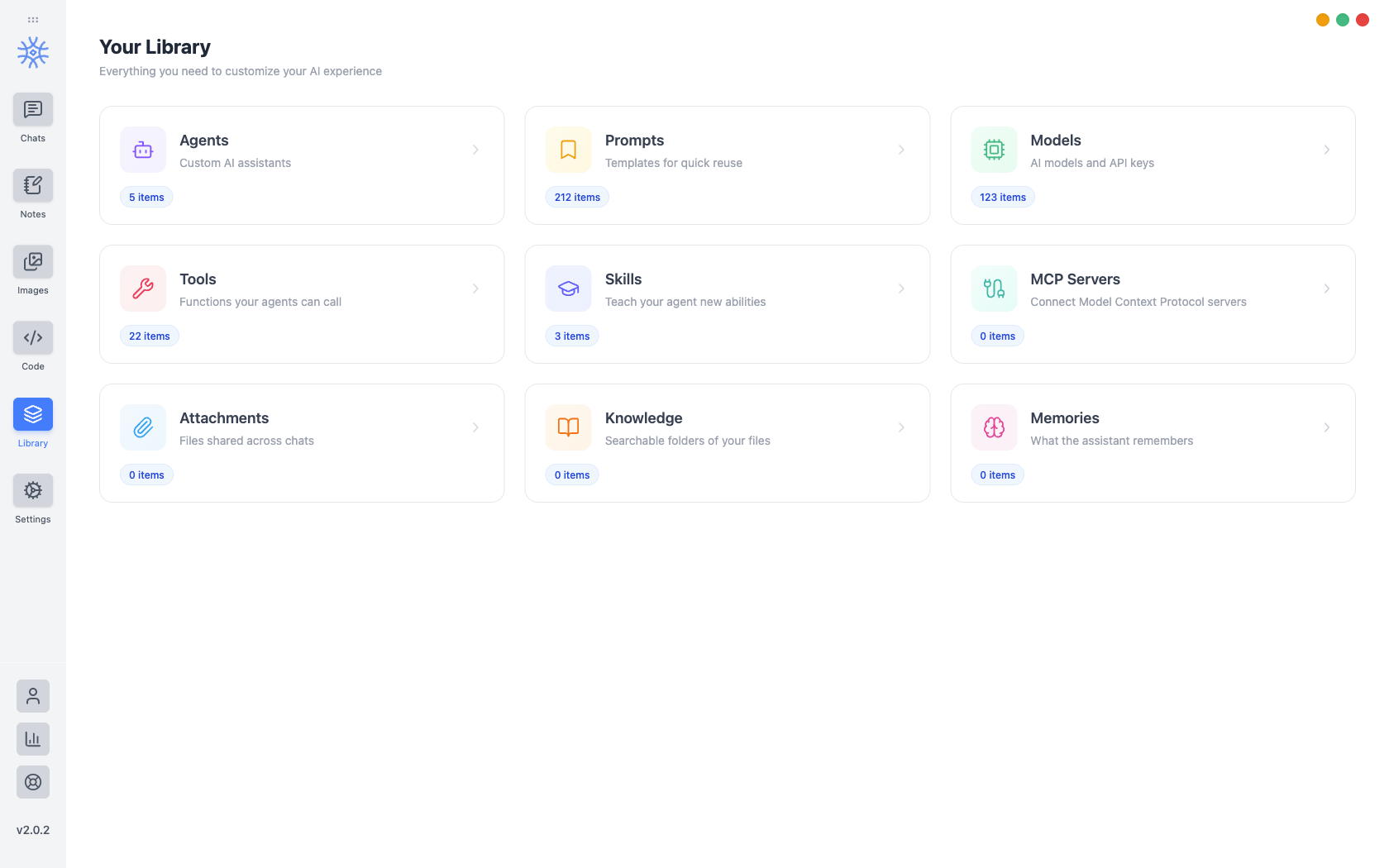
| Library | Agents, prompts, models and keys, tools, skills, MCP servers, attachments, knowledge, and memories |
| Settings | Appearance, language, default models, shortcuts, and exports |
The feature map breaks each of these down and points at the guide that covers it.
At a glance
| Desktop | Windows, macOS, Linux |
| Mobile | Android, iOS |
| Account | A UID, shown on first run — no email and no password |
| Ways to connect models | 9xchat credits, your own API key, or a local model |
There is no sign-up form. On first run 9xchat shows you a UID and asks you to save it — that is your account. New accounts start with $1 in welcome credits, and you can also bring your own API key or run a model locally instead. See Credits, Pro, and usage.
Where to find other things
- Downloads — 123sudo.com/download/9xchat
- Release notes — 123sudo.com/changelog/9xchat
- Pricing — 123sudo.com/pricing/9xchat
- Product site — 9xchat.com