
9xConvert
Convert, compress and edit local files, organize results, and reuse flows on desktop and Android.
9xConvert converts video, audio, images, GIFs, subtitles and documents on your own device.
Start with a local file, a named tool or a saved flow. Use Library to find results and drafts to return to unfinished work. Features differ between desktop and Android, but Free and Pro limits are the same.
Start here
Install 9xConvert
Official downloads for Windows, macOS, Linux and Android.
Your first conversion
Add a local file, choose its output, and find the result.
Free and Pro
Rolling limits, batches, flows and the few differences between desktop and Android.
9xConvert on Android
Phone and tablet navigation, sharing, editing and storage.
What is in the desktop app
| Area | What it is for |
|---|---|
| Home | Add local files or Pro URL downloads, choose formats, and prepare a batch |
| Library | Preview finished files, use collections and favorites, and resume drafts |
| Conversions | Follow the queue and filter finished, queued or failed work |
| Editors | Eight studios for video, audio, image, GIF, PDF, subtitles, documents and EPUB |
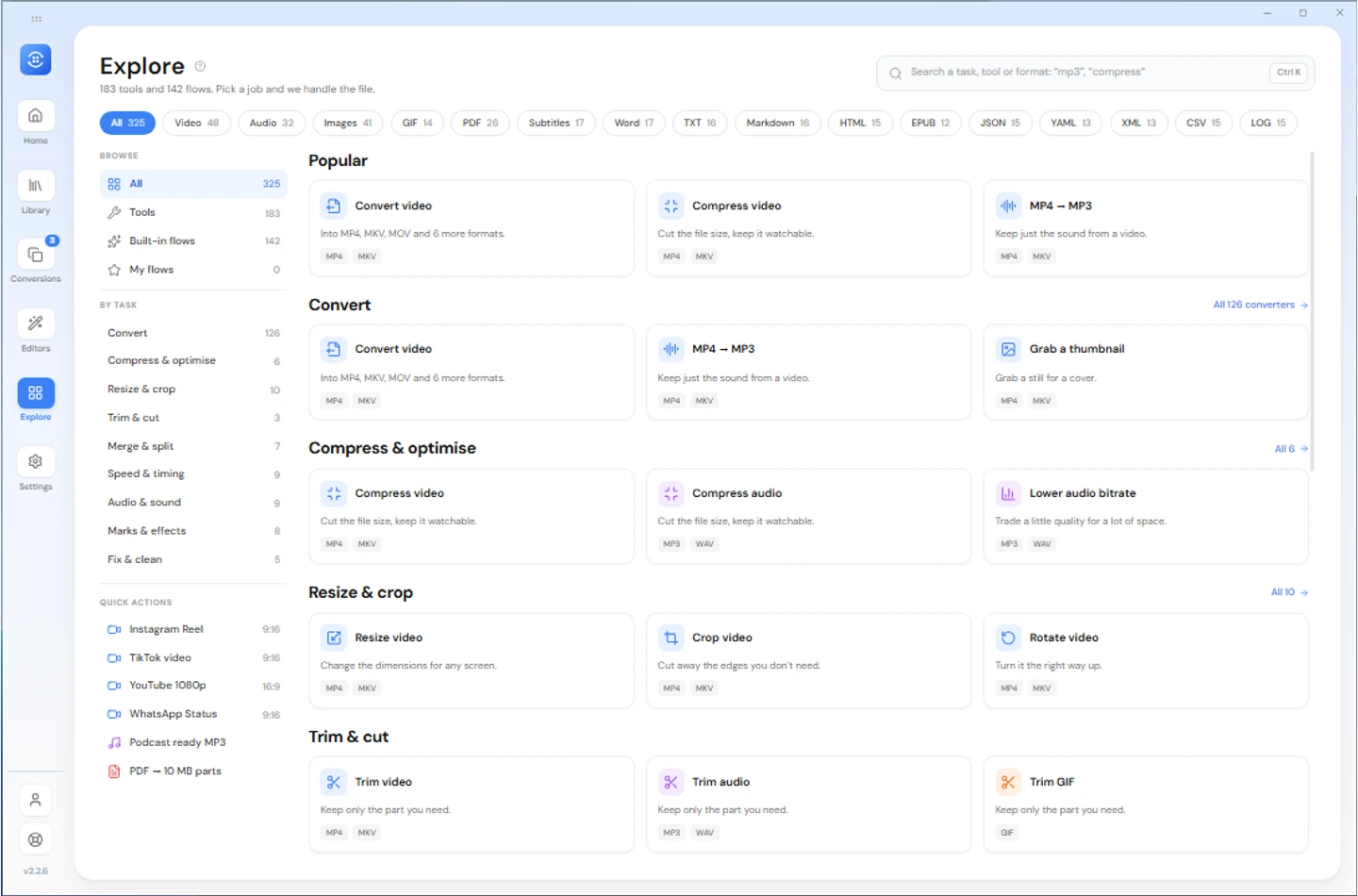
| Explore | Search built-in flows, tools and your own flows |
| Settings | Appearance, defaults, output folders, flows, drafts, notifications and desktop controls |
The feature map points to a guide for each area.
At a glance
| Desktop | Windows, macOS and Linux |
| Mobile | Android phones and tablets |
| Free local conversion | Five outputs in a rolling 24 hours, up to five files per normal batch, one conversion at a time |
| Account | A saved 123sudo UID, with no email or password needed to sign in |
| File size | No server upload cap; available storage, memory and format support still matter |
Local conversion does not upload your input files for processing. It works offline after account verification; URL downloads, account checks and updates need a connection.
Processing speed depends on your device, input, output codec, filters and settings. A larger parallel queue is not a promise that each file will finish faster.